
FLUX Kontext vs RemoveTexts
Side-by-side comparison to help you choose the right AI tool.

FLUX Kontext
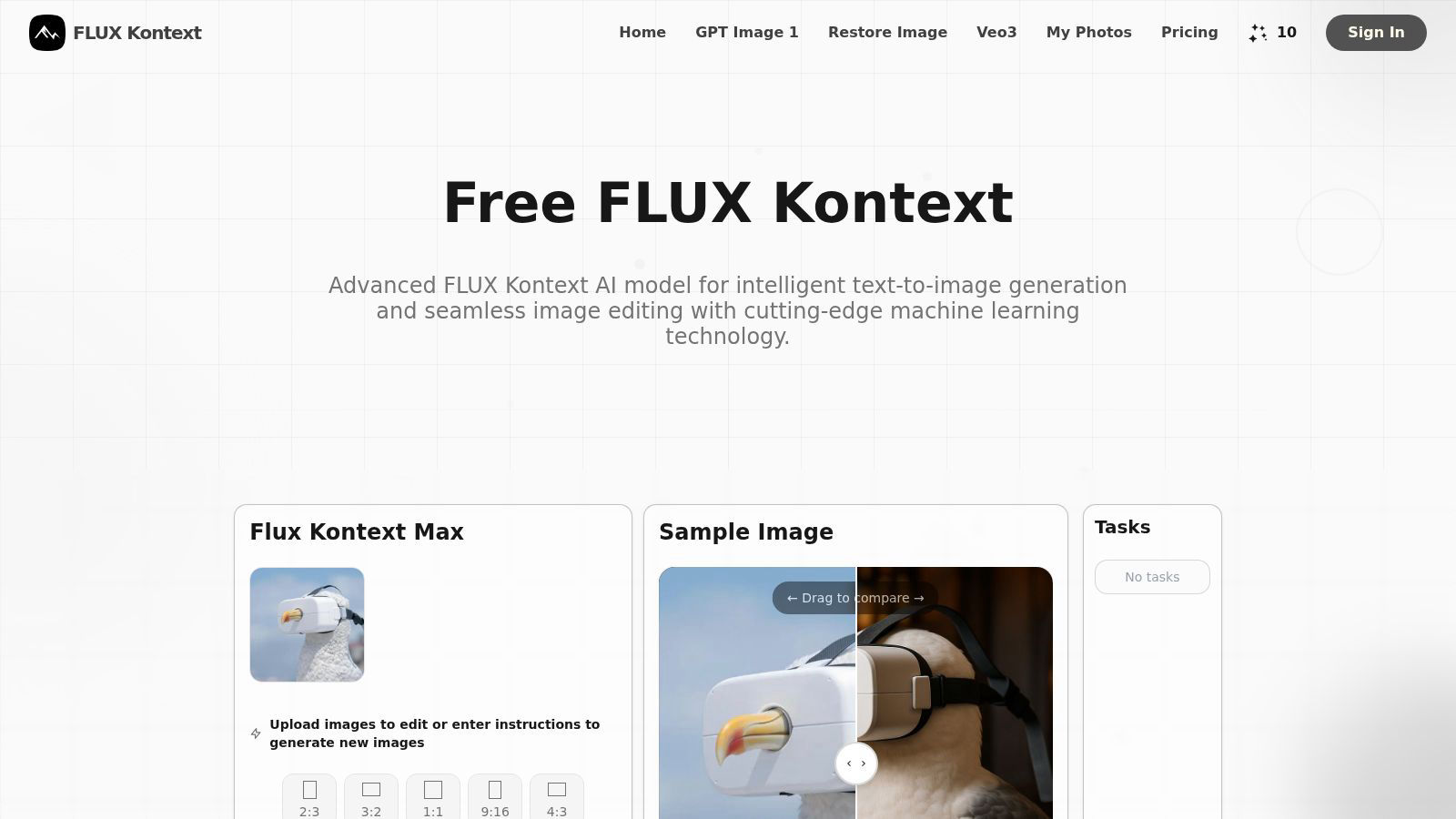
FLUX Kontext delivers context-aware AI image generation and precision editing for seamless creative control.
Last updated: February 28, 2026

RemoveTexts
Effortlessly erase text and unwanted elements from images in seconds with RemoveTexts, the AI tool that transforms visuals without any design skills.
Last updated: March 11, 2026
Visual Comparison
FLUX Kontext
RemoveTexts

Feature Comparison
FLUX Kontext
Context-Aware Generative Engine
FLUX Kontext's foundational technology is its advanced context-aware AI model. Unlike standard generators, it intelligently analyzes the interplay between uploaded images and textual instructions, understanding spatial relationships, lighting, and object semantics. This allows for natural, coherent modifications where new elements seamlessly integrate with the existing visual narrative, producing results that feel authentic and professionally crafted.
Unparalleled Character Consistency
This feature is a game-changer for serialized content creation. FLUX Kontext's AI is specifically tuned to ensure characters, objects, and styles maintain perfect visual continuity across a series of generated or edited images. From facial features and clothing details to artistic style, it locks in core attributes, making it indispensable for storytelling, game asset development, comic creation, and brand marketing campaigns.
Precision Localized Editing
Move beyond global filters. FLUX Kontext enables hyper-targeted image modifications, allowing users to alter specific regions without affecting the surrounding areas. Want to change a character's sunglasses to regular glasses or make it snow in one part of a scene? This tool provides pixel-level control for detailed enhancements, object replacement, and environmental adjustments with surgical accuracy.
Multi-Modal Input & Style Transfer
The platform excels at synthesizing information from multiple sources. Users can merge concepts from different images using text guidance—like having two dogs take a photo together—or apply the artistic style of one image to the composition of another. This multi-modal approach unlocks infinite creative possibilities, from complex scene merges to applying unique aesthetic treatments with a simple prompt.
RemoveTexts
Paint to Remove
With the Paint to Remove feature, users can brush over specific text areas in their images for precise control. This targeted approach allows you to eliminate only the text you want gone, ensuring that the rest of your image remains intact and visually appealing.
Auto Remove All
The Auto Remove All function leverages the power of AI to automatically detect and remove every text element from your image with just one click. This feature is perfect for those who need a quick solution for cleaning up images filled with text, saving valuable time and effort.
Edit & Replace Text
The Edit & Replace Text feature enables users to change existing text within images while perfectly matching the original style and font. This allows for seamless modifications, making it easy to update information or branding in your visuals without compromising quality.
Remove Objects
The Remove Objects feature goes beyond text removal, allowing users to erase unwanted objects, logos, and other visual elements from their images. This functionality ensures that you can create clean and professional visuals tailored to your needs.
Use Cases
FLUX Kontext
Professional Concept Art & Storyboarding
Art directors and concept artists can rapidly iterate on visual ideas. Generate consistent character turnarounds, explore diverse environments for a scene, or modify key art elements based on feedback—all while maintaining a cohesive visual style throughout the entire project pipeline, dramatically accelerating the pre-production phase.
Game Development & Asset Creation
Indie and professional game developers can generate and modify in-game assets, character portraits, environmental textures, and promotional art with assured consistency. FLUX Kontext allows for quick variations of a character (different armor, expressions) or altering game scenes (changing weather, time of day) while preserving the core artistic vision.
Marketing & Advertising Content Production
Marketing teams can produce high volumes of on-brand visual content. Create a series of ads featuring a perfectly consistent product or brand mascot across different backgrounds and scenarios. Easily edit existing campaign photos to highlight new features or tailor visuals for different demographics without costly reshoots.
Personalized Art & Creative Exploration
Digital artists and hobbyists can push creative boundaries. Use the tool to re-imagine personal photos in different artistic styles, create cohesive visual series for social media, or bring imaginative concepts to life by merging ideas. It serves as a powerful co-pilot for experimentation and realizing unique artistic visions without technical barriers.
RemoveTexts
E-Commerce Product Images
E-commerce sellers can utilize RemoveTexts to clean up product images by removing watermarks and unwanted text. This enhances the visual appeal of their listings, helping to drive sales and attract more customers.
Social Media Content Creation
Marketers and social media managers can quickly eliminate distracting text from images, ensuring their content is visually engaging and professional. This is particularly useful for creating polished promotional materials and advertisements.
Legal Document Redaction
Legal professionals can use RemoveTexts to redact sensitive information from documents and images. This capability is essential for maintaining confidentiality while ensuring that the remaining content remains clear and legible.
Academic and Research Publications
Researchers and academics can benefit from RemoveTexts by removing unnecessary text overlays from charts and graphs in their publications. This refinement elevates the clarity and professionalism of their visual data presentations.
Overview
About FLUX Kontext
FLUX Kontext represents a paradigm shift in generative AI, moving beyond simple text-to-image creation into the realm of intelligent, context-aware visual synthesis. Developed by Black Forest Labs, this cutting-edge platform is a generative model suite engineered for creatives, artists, and developers who demand professional-grade precision and coherence. Its core innovation lies in its ability to process and understand complex combinations of text prompts and existing image inputs simultaneously. This dual-input architecture allows the AI to grasp the visual relationships and context within a scene, enabling modifications that are not just visually stunning but logically consistent. Whether you're generating entirely new scenes from a description or performing surgical edits on an existing photograph, FLUX Kontext maintains a unified aesthetic and narrative flow. It is designed to elevate creative workflows by offering tools for maintaining perfect character consistency across multiple images, executing targeted local edits, and applying sophisticated style transfers—all powered by advanced machine learning. With a free tier offering initial credits to explore its capabilities, FLUX Kontext democratizes access to next-generation AI, empowering users to transform their visionary projects into reality with unprecedented control and continuity.
About RemoveTexts
RemoveTexts is a revolutionary AI-powered image editing tool designed to effortlessly remove unwanted text and elements from images. With its user-friendly interface, anyone—regardless of design skill—can upload images and achieve clean, professional results in mere seconds. Whether you're looking to eliminate watermarks, meme text, subtitles, or branded overlays, RemoveTexts employs advanced deep learning algorithms to detect and erase text while intelligently reconstructing the surrounding background. This makes it ideal for creators, marketers, and designers looking to enhance their visuals without the hassle of complex software like Photoshop. Trusted by over 100,000 users worldwide, RemoveTexts empowers you to achieve pristine image clarity, elevating your content effortlessly.
Frequently Asked Questions
FLUX Kontext FAQ
What is FLUX Kontext and how is it different?
FLUX Kontext is a next-generation generative AI suite that specializes in context-aware image generation and editing. Its key differentiator is its ability to process both image and text inputs simultaneously. Unlike traditional models that rely solely on text prompts, this allows FLUX Kontext to understand the context of an existing scene, enabling far more precise, coherent, and consistent edits and generations that respect the original visual elements.
What kind of editing features does FLUX Kontext support?
The platform supports a sophisticated range of editing capabilities. This includes local editing for modifying specific objects or areas, comprehensive style transfer, and its flagship character consistency feature for maintaining visual continuity. It can handle tasks like object replacement, scene alteration (e.g., changing weather), merging elements from multiple images, and generating new images that adhere to a provided visual context.
How can I access and use FLUX Kontext?
Users can access FLUX Kontext directly through its official online web platform, where they can upload images, enter prompts, and utilize its tools via a user-friendly interface. For developers and businesses looking to integrate this technology into custom applications or workflows, FLUX Kontext also offers an API interface, providing programmable access to its powerful generative capabilities.
Is there a free version of FLUX Kontext available?
Yes, FLUX Kontext encourages users to explore its revolutionary technology by offering a free plan. This plan typically includes a starting balance of credits (e.g., 10 credits) for image generation and editing, allowing newcomers to experience its core features firsthand. For extended use and access to premium capabilities, users can upgrade to a paid subscription plan.
RemoveTexts FAQ
How does RemoveTexts work?
RemoveTexts employs advanced AI technology to analyze images and intelligently reconstruct the background after removing unwanted text. This ensures seamless results with no visible traces of the removed elements.
What types of images can I upload?
You can upload images in JPG, PNG, or WebP format, with a maximum file size of 10 MB. This versatility makes it easy to work with a variety of image types for your editing needs.
Is RemoveTexts free to use?
Yes, RemoveTexts offers a free online platform for users to remove text and unwanted elements from their images without the need for any design skills or software installation.
Can I remove watermarks with RemoveTexts?
Yes, RemoveTexts is specifically designed to remove watermarks and other text overlays from images, allowing you to achieve clean, professional results in seconds.
Alternatives
FLUX Kontext Alternatives
FLUX Kontext is a pioneering force in the generative AI art and image editing sphere. It operates within the dynamic categories of content creation, design tools, and generative art, distinguished by its context-aware intelligence that maintains visual coherence across projects. Users explore alternatives for various strategic reasons. These include aligning with specific budget constraints, accessing different feature sets like specialized model architectures or unique editing tools, or integrating with a preferred creative ecosystem. The search is driven by a desire to find the optimal tool that resonates with an individual's unique creative workflow and technical requirements. When evaluating other platforms, key considerations should include the core AI model's capabilities for fidelity and control, the depth and intuitiveness of the editing suite, and the platform's commitment to iterative development. The ideal alternative should not just generate images but act as a seamless extension of the creator's intent, unlocking new dimensions of digital expression.
RemoveTexts Alternatives
RemoveTexts is an innovative AI-powered tool designed specifically for the image and photo editing category. Its primary function is to effortlessly remove unwanted text from images, enabling users to enhance their visuals without needing advanced design skills or complicated software like Photoshop. As creators, marketers, and designers increasingly seek efficient solutions, many users find themselves exploring alternatives due to factors such as pricing, specific feature sets, or desired platform compatibility. When searching for alternatives to RemoveTexts, users should consider key aspects such as ease of use, the accuracy of text removal, and the range of editing features offered. Evaluating the output quality and supported languages is also essential, especially for those working with diverse image content. Ultimately, the right alternative should streamline the editing process while delivering results that meet the user's specific needs.