
AI Image Maker
AI Image Maker empowers you to effortlessly create stunning visuals with 20+ integrated tools for all your design needs.
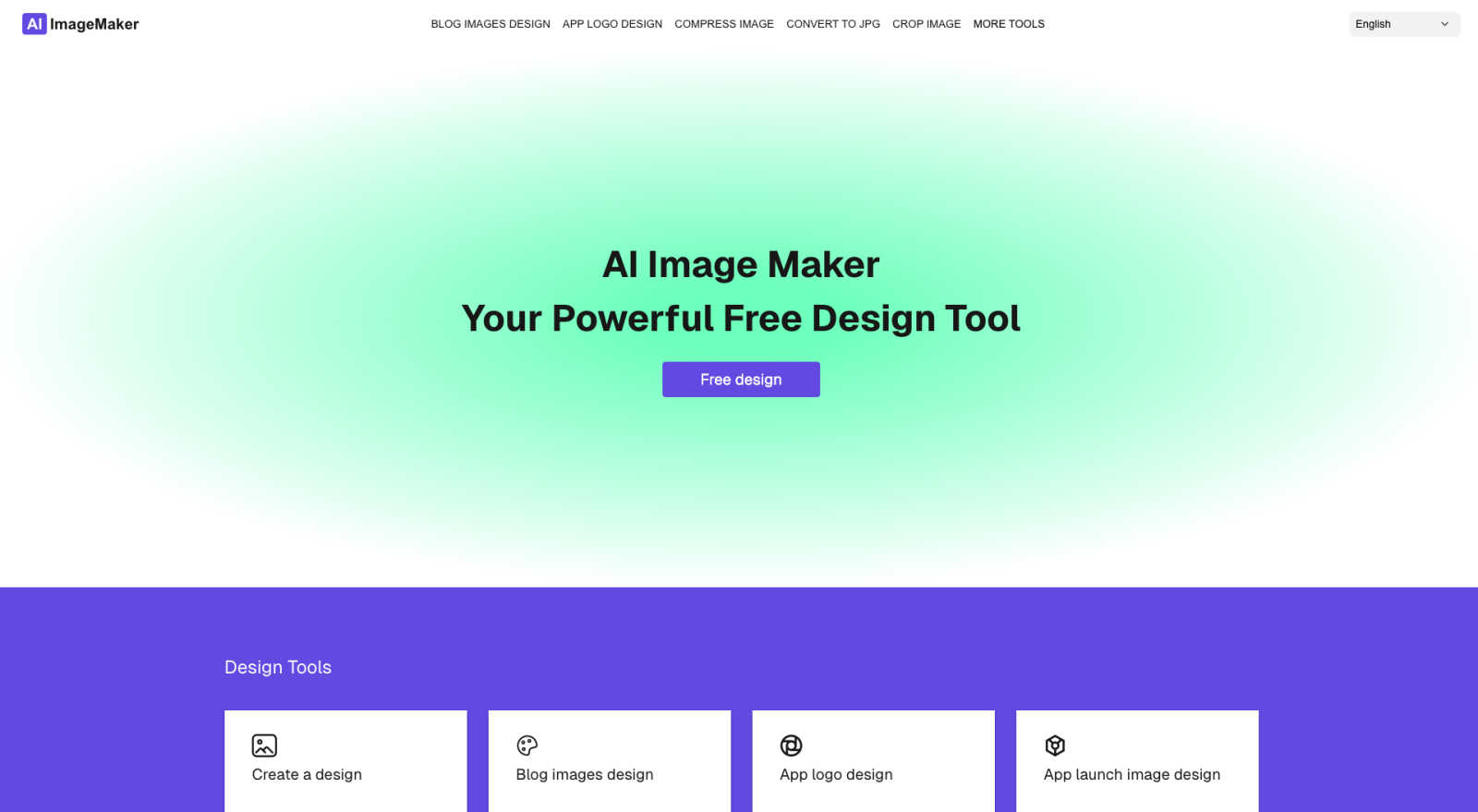
About AI Image Maker
AI Image Maker is a groundbreaking, browser-based design platform that revolutionizes the way individuals and businesses approach creativity. By offering a rich array of image editing and design tools without any cost or the requirement for account creation, it democratizes access to professional-grade design resources. Catering primarily to content creators, indie developers, marketers, and small business owners, AI Image Maker equips users with a comprehensive suite of utilities to effortlessly craft stunning visuals. Whether you need to design eye-catching posters, captivating blog covers, or compelling app store images, AI Image Maker makes the process intuitive and user-friendly. With features that include image compression, resizing, cropping, and format conversion, the platform streamlines your design workflow. The AI-driven background remover ensures that even novice users can achieve expert-level results in seconds. With its seamless interface and minimal learning curve, AI Image Maker empowers everyone to unleash their creative potential without the burden of hidden fees or complicated setups.
Features of AI Image Maker
Design Canvas
The built-in design canvas provides a versatile space for users to create anything from blog covers to app icons seamlessly. It is equipped with tools that allow for easy manipulation of elements, ensuring that creativity knows no bounds.
Image Compression
AI Image Maker includes a powerful image compression feature that reduces file sizes without sacrificing quality. This ensures that your visuals are optimized for web performance and faster load times, enhancing user experience.
Background Removal
With just a single click, the AI-driven background removal tool allows users to eliminate backgrounds from images effortlessly. This feature is particularly useful for creating professional-looking graphics and marketing materials in seconds.
Batch Processing
Maximize your productivity with the batch processing feature, which lets users manipulate multiple images simultaneously. Whether resizing, cropping, or applying filters, this tool saves time and enhances efficiency for busy creators.
Use Cases of AI Image Maker
Content Creation for Blogs
Bloggers and content creators can utilize AI Image Maker to design stunning blog covers and captivating visuals. With its intuitive templates and editing tools, users can easily craft images that enhance their written content and attract more readers.
Marketing Campaigns
Marketers can leverage AI Image Maker to create compelling graphics for social media campaigns, advertisements, and promotional materials. The platform's diverse tools and features allow for rapid production of eye-catching visuals that drive engagement.
App Development
Indie developers can use AI Image Maker to design app icons and app store screenshots. The built-in design canvas and template library simplify the process, making it easier for developers to showcase their apps effectively.
Social Media Management
Social media managers can take advantage of AI Image Maker for crafting engaging posts and stories. The ability to batch process images and format them specifically for various platforms ensures that content remains fresh and visually appealing.
Frequently Asked Questions
Can I use this commercially?
Yes, AI Image Maker allows for both personal and commercial use without any recurring fees. Users can freely utilize the created images for their business needs.
Do I need design skills?
No prior design skills are necessary to use AI Image Maker. Its user-friendly interface and intuitive tools make it accessible for anyone, regardless of their design experience.
Can I customize the template?
Absolutely! Users can customize the templates provided by AI Image Maker to fit their unique branding or project requirements, ensuring flexibility in design.
What image tools are included?
AI Image Maker includes over 20 image tools, such as image compression, background removal, format conversion, and more, offering a comprehensive suite for all your design needs.
Pricing of AI Image Maker
One price. No subscriptions. Early Bird Price: $49 (one-time payment) includes lifetime access, full source code, and commercial licensing. Enjoy free updates and a complete suite of image tools without any recurring fees.
Explore more in this category:
Similar to AI Image Maker

AIPetGen
AIPetGen turns a photo of your dog, cat, or other pet, or a written description, into a new picture or a short animation.

AI Object Remover
Remove unwanted objects, people, text and watermarks from photos with AI


Sprite Sheet Maker
A free browser-based toolkit for creating, cutting, converting, and previewing sprite sheet animations.

Image to Layers AI
Turn images into editable AI-powered layers

Retypewords
An AI-powered image text editor that makes it easy to change words in existing images. Update your content without recreating the entire design.

Hailuo AI
Create high-quality videos from text or images with guided prompts, motion and camera controls, flexible settings, and downloadable results.

Manga Translator
Browser-based AI tool for translating text inside manga images, reviewing the result, and downloading the translated page.