
MindMap AI
Effortlessly transform your ideas into structured mind maps with intelligent AI co-editing and multi-language support.
About MindMap AI
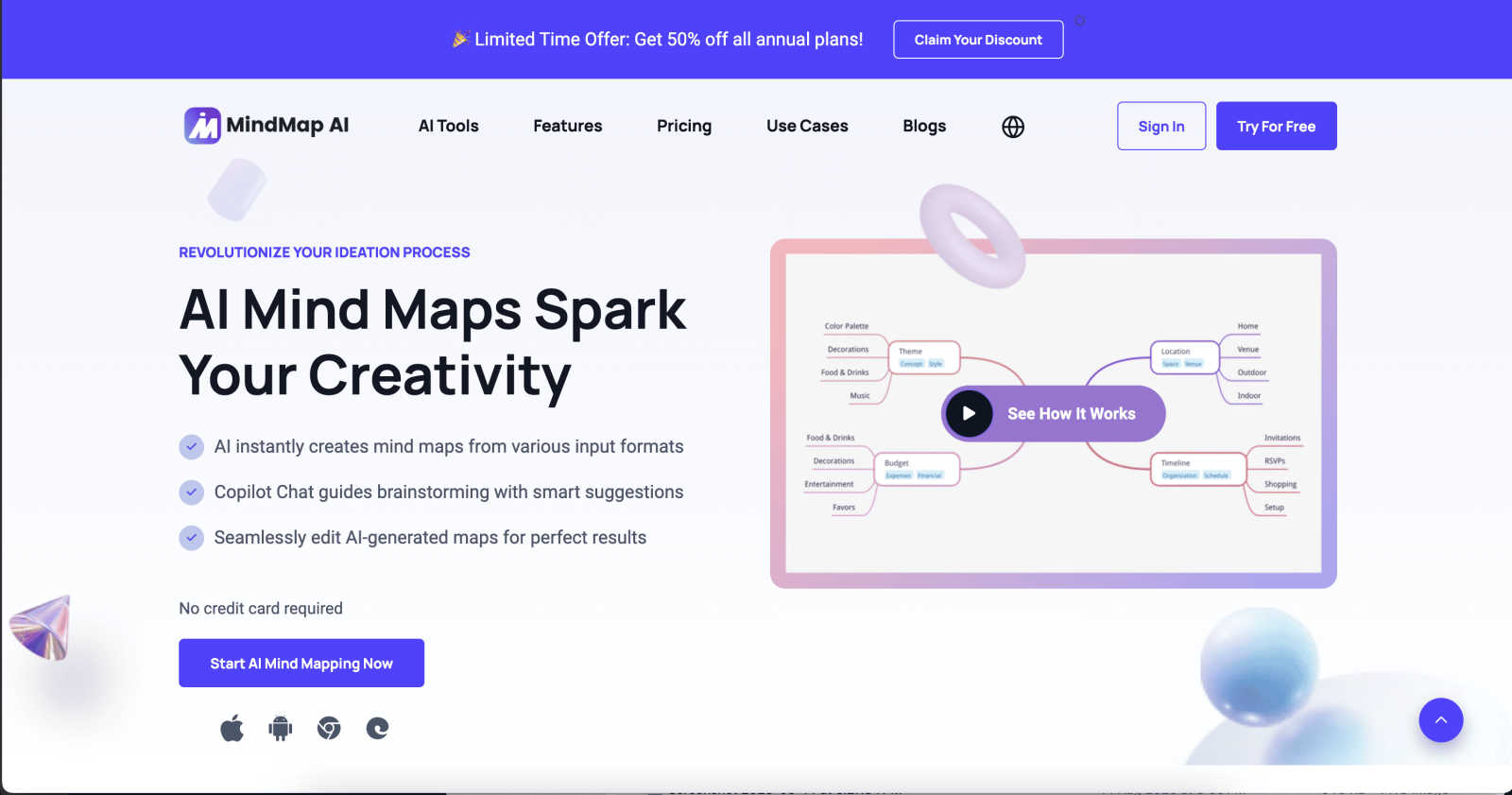
MindMap AI is the revolutionary AI-powered mind mapping software designed for professionals and teams looking to elevate their ideation process. This cutting-edge tool transforms a vast array of inputs—ranging from text documents and PDFs to audio recordings and images—into dynamic, visually engaging mind maps. It serves as an interactive workspace where ideas flourish, enabling users to brainstorm, organize knowledge, and streamline complex workflows in real-time. With advanced features like Co-Pilot Chat, auto-expansion, and second-order connections, MindMap AI empowers teams to refine strategies and uncover insights effortlessly. Built for corporate productivity, it facilitates a seamless transition from chaos to clarity, allowing organizations to tackle projects with agility. Available across web, mobile, and browser extensions, it offers multi-format exports for ultimate flexibility. Whether planning a new initiative, capturing meeting insights, or analyzing research, MindMap AI is the essential tool for professionals aiming to think bigger and work smarter.
Features of MindMap AI
AI Thinking Mode for Accuracy
MindMap AI employs a sophisticated step-by-step reasoning engine that understands context, hierarchy, and relationships. This ensures that every mind map generated is structured, meaningful, and accurate, eliminating the risk of random branches thrown together. Users can trust that their ideas are presented clearly and logically.
File-to-Map Conversion
With the powerful file-to-map conversion feature, users can instantly transform any type of content—such as text documents, PDFs, images, audio, and video—into beautifully structured mind maps. This feature allows professionals to bypass manual formatting, diving straight into the ideation and planning stages.
Continuous Editing
MindMap AI's continuous editing capability allows users to build their mind maps manually or co-create with AI. Users can expand, summarize, reorganize, and style their maps in seconds while maintaining full control over their designs. This flexibility ensures that their unique vision is realized without sacrificing creativity.
Multi-Language Support
MindMap AI supports the creation and editing of mind maps in over 25 languages, maintaining accuracy and structure throughout. This feature enables global teams to collaborate effectively, ensuring that language barriers do not hinder the organization and sharing of ideas.
Use Cases of MindMap AI
Project Planning
MindMap AI is ideal for project planning, allowing teams to outline tasks, set deadlines, and visualize project stages. By using dynamic mind maps, teams can adapt to changes in project scope and collaborate in real-time, ensuring that all members are aligned.
Meeting Insights
Professionals can utilize MindMap AI to capture insights during meetings effectively. By converting discussions into structured mind maps, teams can ensure that key points are documented, making it easier to follow up on action items and decisions made.
Research Analysis
Researchers can leverage MindMap AI to organize and analyze complex data. By converting research papers, articles, and other resources into visual maps, they can identify patterns, relationships, and insights that may otherwise be overlooked.
Curriculum Development
Educators can use MindMap AI for curriculum mapping, enabling them to visualize course structures, learning objectives, and assessment strategies. This helps in creating a cohesive educational framework that enhances student learning outcomes.
Frequently Asked Questions
How does MindMap AI enhance the mind mapping process?
MindMap AI enhances the mind mapping process by utilizing advanced AI technology to generate structured and accurate maps based on user inputs. The tool's intuitive features allow for seamless collaboration, making brainstorming sessions more effective.
Can I use MindMap AI on multiple devices?
Yes, MindMap AI is available on web, mobile, and browser extensions, enabling users to access their mind maps and collaborate across multiple devices anytime, anywhere.
Is there a free trial available for MindMap AI?
Absolutely! MindMap AI offers 50 free credits monthly with no credit card required, allowing new users to explore its features and capabilities without any financial commitment.
How does the AI co-editing feature work?
The AI co-editing feature in MindMap AI allows users to work alongside the AI to co-create mind maps. The AI respects manual edits and does not overwrite user contributions, ensuring that the final map reflects the user's vision while benefiting from AI assistance.
Explore more in this category:
Similar to MindMap AI

Panzoe
Panzoe is an all-in-one AI platform for personal productivity, business automation, AI assistants, content creation, and custom AI solutions.

Kody Tools
Free collection of online developer utilities, code formatters, and digital converters designed to streamline your daily workflow.

tallycounterweb.com
Online tally counter for tracking attendance, workouts, inventory, sports scores, visitors, habits, and everyday counting tasks.

Forms Plugin
The #1 Native Form Builder Plugin for Framer - No Code, No Embeds, No External Platforms.

Product Launch Checklist
A free launch checklist for SaaS, apps, AI tools and more. Every step says why it matters and when you can skip it.

HomeAnswerBook
Practical, independent guides to home repairs, maintenance, costs, troubleshooting, and everyday fixes.

BlazePDF
Highlight faster. Study in flow with custom shortcuts and a workflow built around you. Print smarter, or turn any page into a tiled poster.
