
3DAIStudio vs CreateImg
Side-by-side comparison to help you choose the right AI tool.

3DAIStudio
3DAIStudio instantly transforms your text or images into production-ready 3D models with AI-powered magic.
Last updated: April 4, 2026

CreateImg
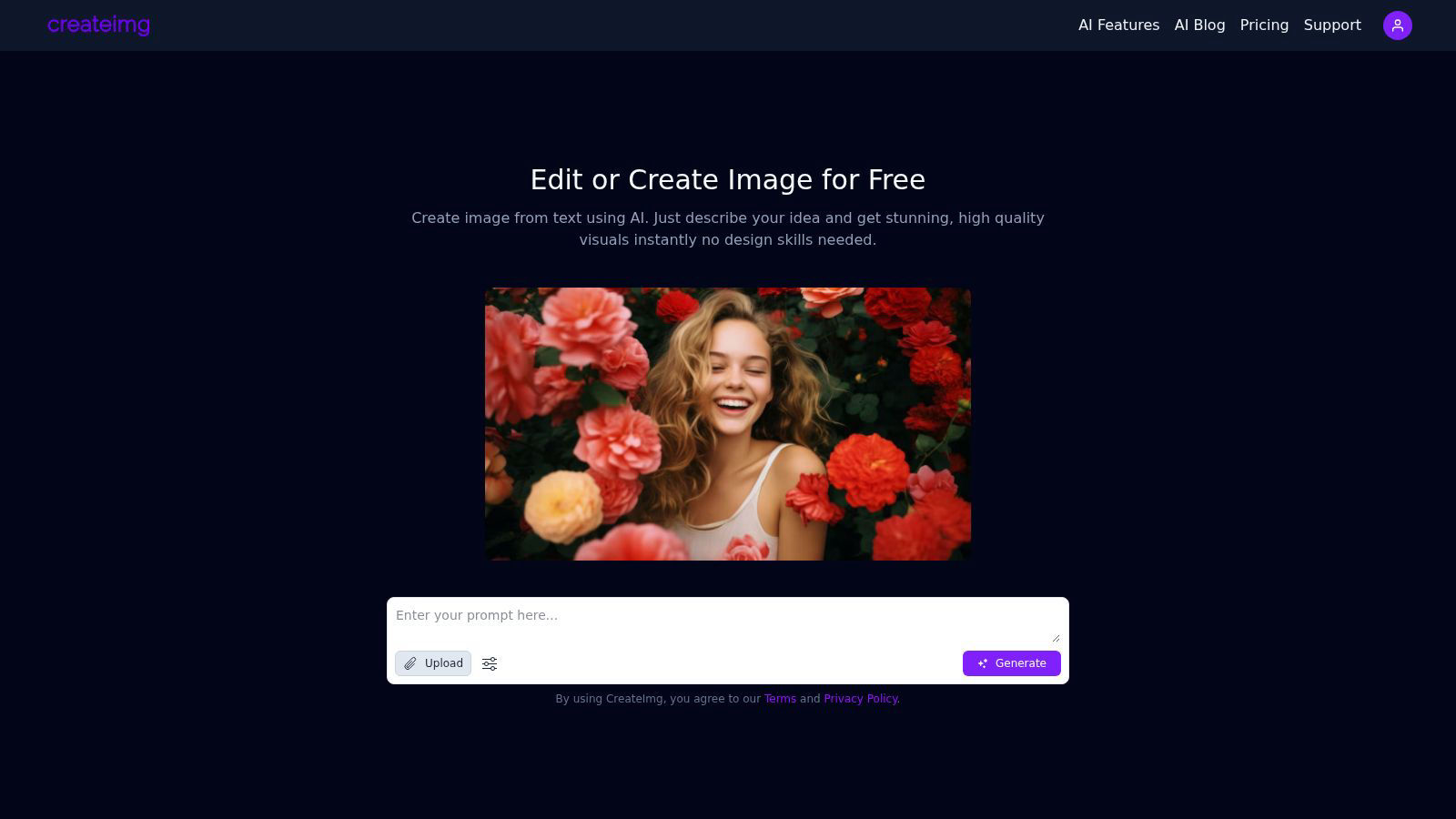
CreateImg instantly transforms your ideas into unique, stunning visuals using AI, no design skills needed.
Last updated: February 28, 2026
Visual Comparison
3DAIStudio

CreateImg
Feature Comparison
3DAIStudio
Text to 3D Generation
Harness the power of generative AI to materialize your imagination. Simply type a descriptive prompt—like "realistic fantasy orc warrior with rugged armor"—and watch as the platform instantly interprets your words, constructing a detailed, fully-textured 3D model from scratch. This feature eliminates the gap between concept and creation, enabling rapid prototyping and ideation for characters, props, environments, and more without any manual modeling.
Image to 3D Conversion
Transform any 2D reference—be it a sketch, photograph, or digital illustration—into a three-dimensional asset. Upload your image, and the AI intelligently extrapolates depth, form, and geometry to build a coherent 3D model. This is ideal for bringing existing artwork to life, creating models from concept art, or generating 3D versions of real-world objects captured in photos.
AI-Powered Texturing & Materials
Apply stunning, physically-based rendering (PBR) textures to your models effortlessly. Using AI, you can generate realistic materials from text prompts or paint custom details directly onto the model's surface. This automates the labor-intensive process of UV unwrapping and texture painting, delivering studio-quality surfaces like metal, wood, fabric, and skin with remarkable accuracy.
Quad-Remesh & Topology Optimization
Ensure your generated assets are not just visually impressive but technically production-ready. The automated Quad-Remesh tool intelligently rebuilds your model's mesh topology, creating clean, animation-friendly quad-dominant geometry. It reduces polygon count, fixes mesh issues, and can generate Level of Detail (LOD) models, preparing your asset for seamless integration into game engines, 3D prints, or animation pipelines.
CreateImg
AI Image Generation
CreateImg allows users to turn their ideas into stunning visuals through simple text prompts. Just describe your concept and watch as the AI generates high-quality, unique images instantly, requiring no design skills.
Automatic Background Removal
Eliminate distractions and enhance your photos effortlessly with the automatic background removal feature. This tool intelligently identifies and removes backgrounds, allowing users to focus on the subject of their images while saving valuable editing time.
Style Selection
Choose from a variety of artistic styles, including realistic, cartoonish, drawing, or creative interpretations. This feature enables users to customize the generated visuals to fit their specific project requirements, ensuring that every image aligns with their vision.
AI Upscaling
Enhance the quality of images with CreateImg’s advanced AI upscaling feature. This state-of-the-art technology improves the resolution of your images, ensuring that every detail is crisp and clear, perfect for high-quality prints or digital displays.
Use Cases
3DAIStudio
Game Development & Prototyping
Game developers and indie studios can accelerate their workflow exponentially. Rapidly generate character concepts, weapon props, environmental assets, and entire scene mockups from text descriptions or concept art. This allows for faster iteration, quicker prototyping of game mechanics, and efficient filling of asset libraries, drastically reducing time-to-market for new titles and updates.
Film & Animation Pre-Visualization
Film production and animation studios can use 3DAIStudio for rapid pre-visualization and storyboarding. Directors and artists can quickly generate 3D models of characters, creatures, or set pieces based on script descriptions, enabling dynamic scene blocking, lighting tests, and concept validation before committing to costly, time-intensive traditional modeling and sculpting pipelines.
Product Design & 3D Printing
Product designers and inventors can visualize concepts in three dimensions instantly. Upload a sketch of a new product or describe it with text to generate a tangible 3D model for review, client presentation, or direct preparation for 3D printing. This streamlines the design iteration process and allows for physical prototyping at unprecedented speeds.
Educational Content & AR/VR Experiences
Educators and AR/VR creators can build immersive learning materials and interactive experiences without 3D expertise. Generate accurate 3D models of historical artifacts, biological specimens, or architectural wonders for virtual museums, educational apps, or augmented reality filters, making complex subjects more engaging and accessible.
CreateImg
Social Media Content Creation
CreateImg is ideal for social media influencers and marketers looking to boost their engagement. Users can generate eye-catching images tailored to their brand’s aesthetic, enhancing posts and stories across platforms like Instagram and Facebook.
Blog and Website Visuals
Bloggers and website owners can utilize CreateImg to create original images for their content, making their articles visually appealing. The tool ensures that each image is unique, helping to attract and retain readers’ attention effectively.
Personalized Gifts and Merchandise
With CreateImg, users can create custom images for personalized gifts or merchandise. Whether for birthday cards, custom prints, or promotional materials, the ability to generate unique visuals makes every item special and one-of-a-kind.
Educational Resources
Teachers and educators can utilize CreateImg to design engaging visuals for presentations, worksheets, or educational materials. The platform's ease of use allows for the quick creation of illustrations that enhance learning experiences for students.
Overview
About 3DAIStudio
3DAIStudio represents a paradigm shift in digital content creation, leveraging cutting-edge artificial intelligence to democratize and accelerate the generation of high-quality 3D assets. This revolutionary platform empowers users to transform simple text prompts or 2D images into fully-realized, textured 3D models in a matter of seconds. It dismantles the traditional barriers of complex software and steep learning curves, making professional-grade 3D modeling accessible to everyone from complete beginners to seasoned industry veterans. Designed for a new era of creators, it serves game developers, film and VFX artists, product designers, architects, educators, and marketing professionals who require rapid, iterative, and high-fidelity 3D content. Its core value proposition lies in its unprecedented speed and simplicity: what once required days of specialized manual labor can now be achieved in minutes with AI-powered precision, delivering production-ready assets optimized for major engines like Unity and Unreal Engine.
About CreateImg
CreateImg is a revolutionary free AI image editor designed to empower users with the ability to enhance and stylize their photos in an effortlessly intuitive manner. This cutting-edge platform caters to photographers, digital artists, and content creators looking for quick, professional-grade results without the hassle of complex software. With features like automatic background removal, advanced AI upscaling, and the ability to create unique images from textual descriptions, CreateImg streamlines the editing process, making it accessible to users of all skill levels. The platform’s primary value proposition lies in its commitment to providing a comprehensive suite of tools at no cost, ensuring that users can unleash their creativity without the burden of subscriptions or hidden fees. By focusing on usability and efficiency, CreateImg transforms the image editing landscape, making it not only a practical choice but also an enjoyable experience for anyone seeking to elevate their visual content. Whether you aim to create stunning visuals for social media or need professional-quality images for projects, CreateImg is your go-to solution for all things image-related.
Frequently Asked Questions
3DAIStudio FAQ
What file formats can I export my 3D models in?
3DAIStudio is built for professional pipelines, offering exports in industry-standard formats. You can typically download your generated models as OBJ, FBX, or GLTF/GLB files, complete with embedded PBR texture maps (like Albedo, Normal, Roughness). These formats ensure seamless compatibility with major software like Blender, Maya, Unity, Unreal Engine, and web-based platforms like Three.js.
Do I need any prior 3D modeling experience to use 3DAIStudio?
Absolutely not. 3DAIStudio is designed to be intuitive and accessible. The core process involves typing what you want or uploading an image. The AI handles all the complex tasks of geometry generation, texturing, and topology optimization. This makes it perfect for beginners, while its powerful output and advanced tools provide immense value for experienced 3D artists seeking to speed up their workflow.
How does the AI handle complex or specific text prompts?
The platform's AI is trained on vast datasets to understand nuanced language and context. For best results, use descriptive, detailed prompts. Instead of "a car," try "a futuristic electric sports car with sleek cyan bodywork, glowing neon underlights, and an angular design." The more visual detail you provide, the more accurate and impressive the generated 3D model will be, allowing for highly specific and creative outcomes.
Is the output from 3DAIStudio ready for commercial projects?
Yes, models generated through 3DAIStudio are production-ready and can be used in commercial projects, including games, films, and products. The tools like Quad-Remesh ensure the models have clean topology suitable for animation and rendering, while the AI texturing provides high-quality PBR materials. It is always recommended to review the platform's specific Terms of Service regarding licensing and usage rights for the generated assets.
CreateImg FAQ
What types of images can I create with CreateImg?
You can create a wide variety of images, including realistic photos, cartoons, drawings, and creative designs. The platform allows you to choose different styles to fit your project needs.
Is CreateImg really free to use?
Yes, CreateImg is a completely free AI image editing tool. There are no hidden fees, subscriptions, or costs associated with using the platform, ensuring that users can unleash their creativity without financial constraints.
How does the AI image generation work?
The AI image generation process works by analyzing the text prompts you provide and using advanced algorithms to create unique visuals that match your description. This means every image is one-of-a-kind and tailored to your specific idea.
Can I download and share the images I create?
Absolutely! Once you generate an image, you can download it instantly and share it across various platforms, including social media, blogs, and websites, making it easy to use your creations wherever you need them.
Alternatives
3DAIStudio Alternatives
3DAIStudio is a pioneering AI-native platform in the generative 3D content creation space. It leverages advanced neural networks to instantly transmute simple text prompts or 2D images into high-fidelity, production-ready 3D models. This technology represents a paradigm shift, democratizing 3D asset generation for a new wave of digital creators. Even with such revolutionary capabilities, users often explore the broader ecosystem. Motivations can range from seeking different pricing models or subscription tiers to needing specialized export formats for specific game engines or rendering pipelines. Others may prioritize platforms with integrated editing suites, collaborative features, or different AI model architectures that better align with their unique creative vision. When evaluating other solutions in this frontier, key considerations include the core AI's output quality and consistency, the speed of generation, and the flexibility of the resulting 3D assets. Assess the platform's integration capabilities with your existing digital toolchain, its commitment to ongoing model training, and the overall user experience designed for a seamless, futuristic workflow.
CreateImg Alternatives
CreateImg is a groundbreaking AI image editor that empowers users to transform their ideas into stunning visuals in an instant. As a member of the AI Assistants and Content Creation categories, it caters to photographers, digital artists, and content creators seeking professional-grade results without the steep learning curve of traditional design software. Users often seek alternatives due to factors like pricing, specific features, or platform compatibility that may not align with their unique needs. When exploring alternatives, it's essential to consider the range of features offered, the user interface's intuitiveness, and whether the platform is free of hidden costs or subscriptions. The ideal alternative should not only meet your creative requirements but also provide a seamless and enjoyable editing experience, enabling you to unleash your artistic potential with efficiency and ease.