
CreateImg
CreateImg instantly transforms your ideas into unique, stunning visuals using AI, no design skills needed.
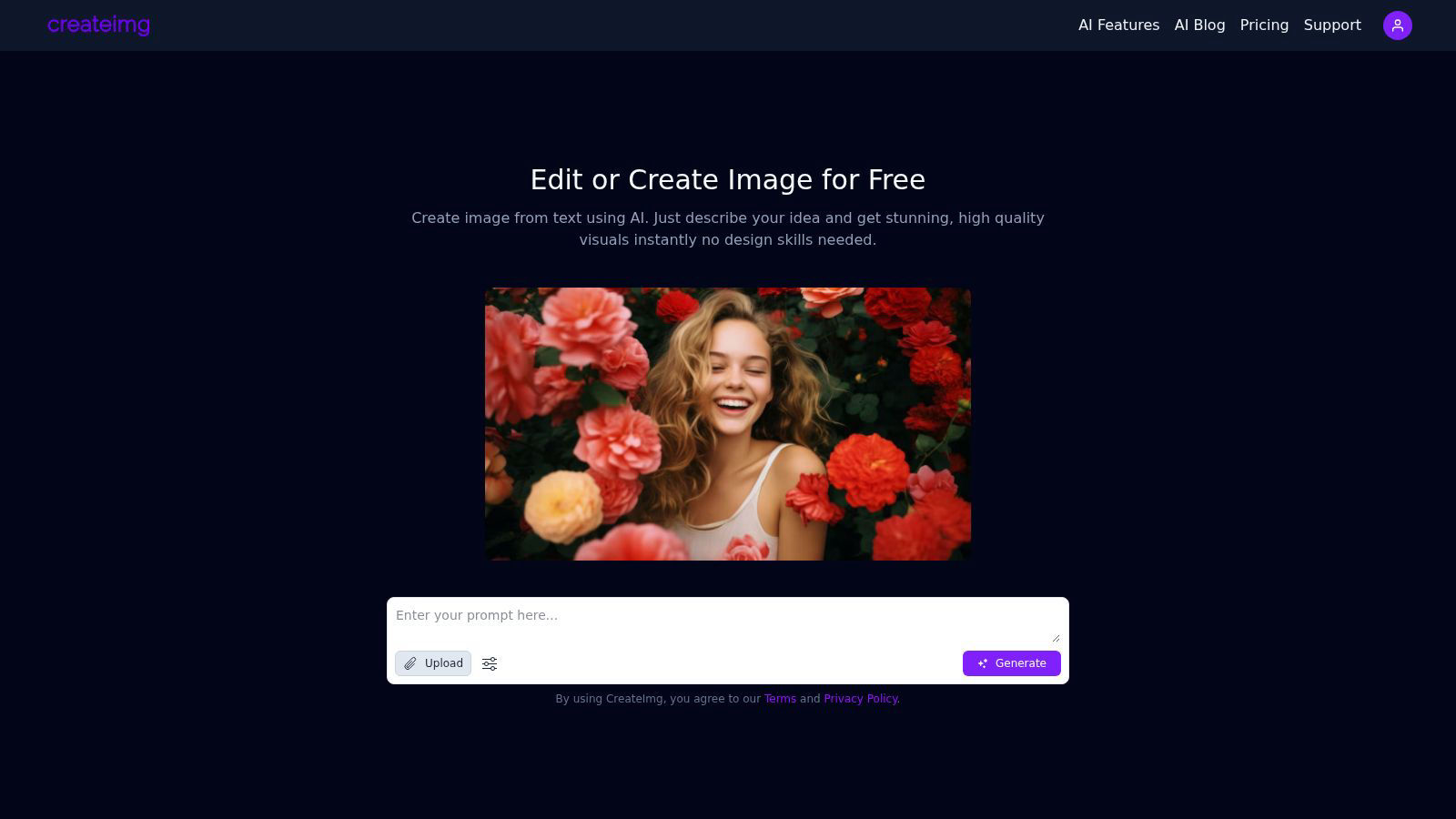
About CreateImg
CreateImg is a revolutionary free AI image editor designed to empower users with the ability to enhance and stylize their photos in an effortlessly intuitive manner. This cutting-edge platform caters to photographers, digital artists, and content creators looking for quick, professional-grade results without the hassle of complex software. With features like automatic background removal, advanced AI upscaling, and the ability to create unique images from textual descriptions, CreateImg streamlines the editing process, making it accessible to users of all skill levels. The platform’s primary value proposition lies in its commitment to providing a comprehensive suite of tools at no cost, ensuring that users can unleash their creativity without the burden of subscriptions or hidden fees. By focusing on usability and efficiency, CreateImg transforms the image editing landscape, making it not only a practical choice but also an enjoyable experience for anyone seeking to elevate their visual content. Whether you aim to create stunning visuals for social media or need professional-quality images for projects, CreateImg is your go-to solution for all things image-related.
Features of CreateImg
AI Image Generation
CreateImg allows users to turn their ideas into stunning visuals through simple text prompts. Just describe your concept and watch as the AI generates high-quality, unique images instantly, requiring no design skills.
Automatic Background Removal
Eliminate distractions and enhance your photos effortlessly with the automatic background removal feature. This tool intelligently identifies and removes backgrounds, allowing users to focus on the subject of their images while saving valuable editing time.
Style Selection
Choose from a variety of artistic styles, including realistic, cartoonish, drawing, or creative interpretations. This feature enables users to customize the generated visuals to fit their specific project requirements, ensuring that every image aligns with their vision.
AI Upscaling
Enhance the quality of images with CreateImg’s advanced AI upscaling feature. This state-of-the-art technology improves the resolution of your images, ensuring that every detail is crisp and clear, perfect for high-quality prints or digital displays.
Use Cases of CreateImg
Social Media Content Creation
CreateImg is ideal for social media influencers and marketers looking to boost their engagement. Users can generate eye-catching images tailored to their brand’s aesthetic, enhancing posts and stories across platforms like Instagram and Facebook.
Blog and Website Visuals
Bloggers and website owners can utilize CreateImg to create original images for their content, making their articles visually appealing. The tool ensures that each image is unique, helping to attract and retain readers’ attention effectively.
Personalized Gifts and Merchandise
With CreateImg, users can create custom images for personalized gifts or merchandise. Whether for birthday cards, custom prints, or promotional materials, the ability to generate unique visuals makes every item special and one-of-a-kind.
Educational Resources
Teachers and educators can utilize CreateImg to design engaging visuals for presentations, worksheets, or educational materials. The platform's ease of use allows for the quick creation of illustrations that enhance learning experiences for students.
Frequently Asked Questions
What types of images can I create with CreateImg?
You can create a wide variety of images, including realistic photos, cartoons, drawings, and creative designs. The platform allows you to choose different styles to fit your project needs.
Is CreateImg really free to use?
Yes, CreateImg is a completely free AI image editing tool. There are no hidden fees, subscriptions, or costs associated with using the platform, ensuring that users can unleash their creativity without financial constraints.
How does the AI image generation work?
The AI image generation process works by analyzing the text prompts you provide and using advanced algorithms to create unique visuals that match your description. This means every image is one-of-a-kind and tailored to your specific idea.
Can I download and share the images I create?
Absolutely! Once you generate an image, you can download it instantly and share it across various platforms, including social media, blogs, and websites, making it easy to use your creations wherever you need them.
Explore more in this category:
Similar to CreateImg

LinkIntel
MCP server giving your AI assistant your X post results and X’s ranking weights, with sources.

screenRIG
Signage and kiosk infrastructure for AI agents. Your agent publishes images, video, streams, web pages and apps to screens via one plugin.screenRIG is

TrackMedia
Publish to 20 social networks from one composer and track every click in real time. Built for humans and AI agents.

GetYouTubeTranscript
Free YouTube transcripts on the web, a Chrome extension, and an API + MCP server so AI assistants can read YouTube.


Travel Safety Map
A colour-coded safety reference for 168 countries: government advisories, scams, women’s safety, traffic, embassies and emergency numbers.

TryKlingAI
Create Kling AI videos from text, images, audio, and motion references with Kling 3.0, Motion Control, Lip Sync, task tracking, and API access.