
BlitzCut vs CreateImg
Side-by-side comparison to help you choose the right AI tool.

BlitzCut
Blitzcut is the AI video editor that instantly removes silence and adds captions for viral shorts.
Last updated: February 28, 2026

CreateImg
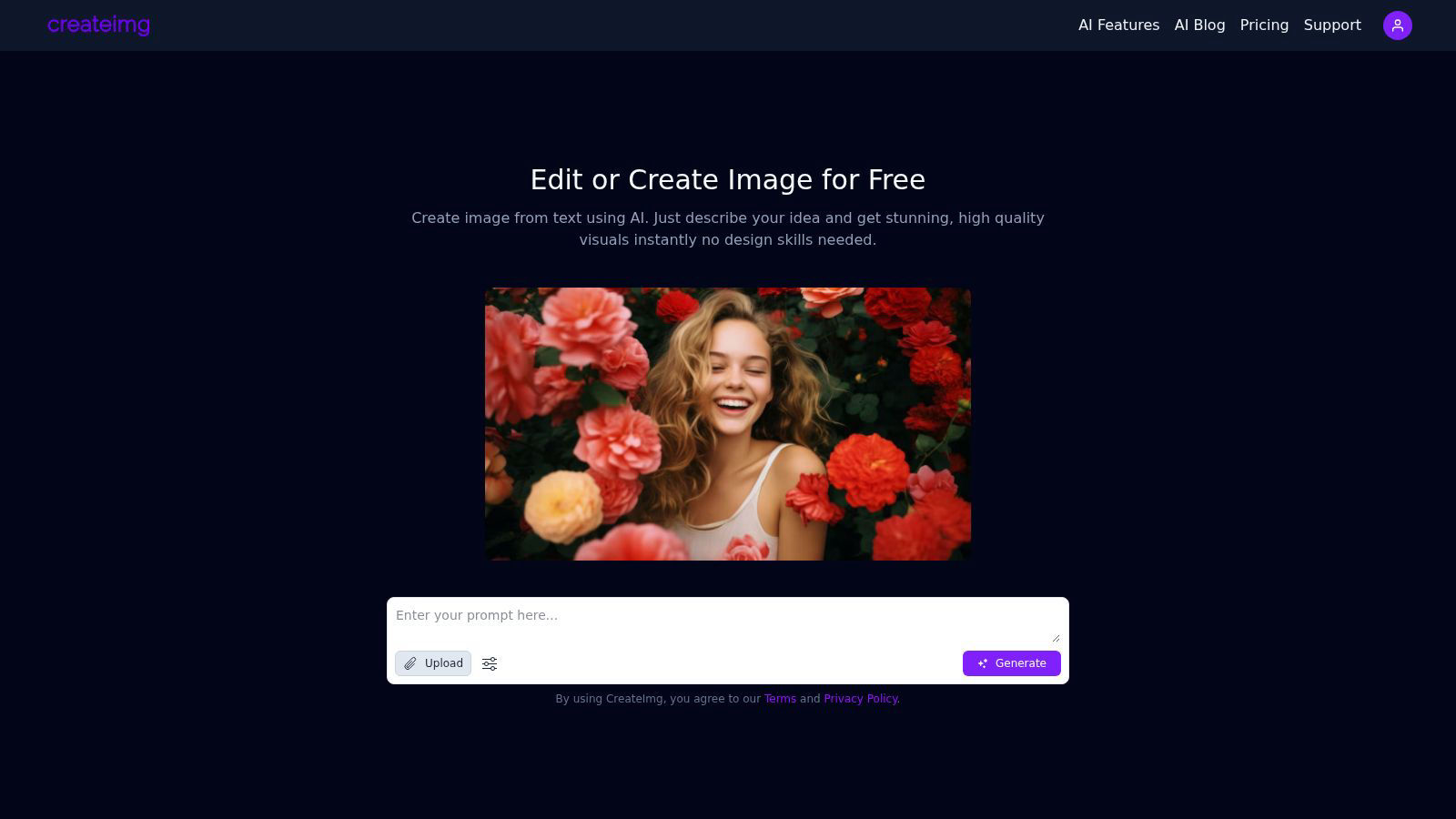
CreateImg instantly transforms your ideas into unique, stunning visuals using AI, no design skills needed.
Last updated: February 28, 2026
Visual Comparison
BlitzCut

CreateImg
Feature Comparison
BlitzCut
Neural Silence Removal
BlitzCut's proprietary AI doesn't just detect silence; it intelligently analyzes audio waveforms to surgically identify and remove every pause, filler word gap, and dead-air moment. This on-device processing happens in seconds, eliminating the 15-20 minutes of manual cutting typically required, and condensing video length by 30-60% to maximize viewer retention and engagement without any tedious manual clipping or upload delays.
AI-Powered Caption Engine
Go beyond basic transcription. BlitzCut generates highly accurate captions (95%+ accuracy) and automatically applies dynamic, viral styling optimized for short-form platforms. The AI selects fonts, colors, and animations that enhance readability and shareability, turning a simple transcript into a compelling visual narrative element that hooks viewers in the first few seconds, all without any manual design work.
Text-Based Editing Interface
Edit your video as effortlessly as editing a document. BlitzCut provides a full transcript of your clip, allowing you to delete entire sentences or sections simply by highlighting and removing the text. The corresponding video and audio are automatically spliced out with frame-perfect accuracy, making complex edits and content restructuring an intuitive, text-driven process.
Mobile-First, One-Tap Export Pipeline
Built natively for iPhone, iPad, and Mac, BlitzCut embodies a seamless mobile creation ethos. The entire process—from import to final export—is optimized for touch. With one tap, AI processes your video. Another tap exports the final product in full HDR quality directly to your social media apps or camera roll, enabling true creation and publishing from anywhere.
CreateImg
AI Image Generation
CreateImg allows users to turn their ideas into stunning visuals through simple text prompts. Just describe your concept and watch as the AI generates high-quality, unique images instantly, requiring no design skills.
Automatic Background Removal
Eliminate distractions and enhance your photos effortlessly with the automatic background removal feature. This tool intelligently identifies and removes backgrounds, allowing users to focus on the subject of their images while saving valuable editing time.
Style Selection
Choose from a variety of artistic styles, including realistic, cartoonish, drawing, or creative interpretations. This feature enables users to customize the generated visuals to fit their specific project requirements, ensuring that every image aligns with their vision.
AI Upscaling
Enhance the quality of images with CreateImg’s advanced AI upscaling feature. This state-of-the-art technology improves the resolution of your images, ensuring that every detail is crisp and clear, perfect for high-quality prints or digital displays.
Use Cases
BlitzCut
Daily Social Media Content Creation
For influencers, educators, and business owners committed to daily posting on TikTok, Reels, or Shorts, BlitzCut is the essential tool. It turns the daunting hour-long editing session into a sustainable 2-minute task, allowing creators to consistently produce high-engagement, captioned content that maintains audience growth without creative burnout.
Rapid Podcast-to-Short Form Clipping
Content repurposing is revolutionized. Podcasters and live streamers can instantly import long-form recordings, use text-based editing to isolate key viral moments, and have BlitzCut automatically remove pauses and add styled captions. This creates multiple, polished promotional clips ready for social media in a fraction of the time previously needed.
Agile Marketing and Product Demos
Marketing teams and solopreneurs can film quick, authentic product demos or announcements on their phone and have a professional, captioned video ready for launch in minutes. The speed enables rapid iteration and timely content that capitalizes on trends, making marketing agile and responsive.
Educational and Tutorial Content
Educators creating micro-lessons can focus purely on their delivery. BlitzCut handles the post-production, ensuring tutorials are concise (via silence removal) and accessible (via accurate, clear captions), improving comprehension and meeting accessibility standards with zero extra effort from the creator.
CreateImg
Social Media Content Creation
CreateImg is ideal for social media influencers and marketers looking to boost their engagement. Users can generate eye-catching images tailored to their brand’s aesthetic, enhancing posts and stories across platforms like Instagram and Facebook.
Blog and Website Visuals
Bloggers and website owners can utilize CreateImg to create original images for their content, making their articles visually appealing. The tool ensures that each image is unique, helping to attract and retain readers’ attention effectively.
Personalized Gifts and Merchandise
With CreateImg, users can create custom images for personalized gifts or merchandise. Whether for birthday cards, custom prints, or promotional materials, the ability to generate unique visuals makes every item special and one-of-a-kind.
Educational Resources
Teachers and educators can utilize CreateImg to design engaging visuals for presentations, worksheets, or educational materials. The platform's ease of use allows for the quick creation of illustrations that enhance learning experiences for students.
Overview
About BlitzCut
BlitzCut is the paradigm-shifting AI video editor engineered for the velocity of the modern creator economy. It represents a fundamental leap beyond traditional editing suites, discarding bloated feature lists in favor of hyper-focused, intelligent automation. This mobile-first platform is built on a core thesis: that creators should spend their energy on ideation and performance, not on the tedious mechanics of post-production. By leveraging on-device AI processing, BlitzCut delivers a near-instantaneous workflow, transforming raw talking-head clips into polished, platform-optimized content for TikTok, Instagram Reels, and YouTube Shorts in a revolutionary two-minute window. It is designed for social media creators, educators, entrepreneurs, and anyone for whom daily, consistent posting is non-negotiable. Its core value proposition is uncompromising speed and accessibility, automating the most time-consuming tasks—silence removal and caption styling—with precision, thereby making professional-grade video editing not just possible, but sustainable for everyone.
About CreateImg
CreateImg is a revolutionary free AI image editor designed to empower users with the ability to enhance and stylize their photos in an effortlessly intuitive manner. This cutting-edge platform caters to photographers, digital artists, and content creators looking for quick, professional-grade results without the hassle of complex software. With features like automatic background removal, advanced AI upscaling, and the ability to create unique images from textual descriptions, CreateImg streamlines the editing process, making it accessible to users of all skill levels. The platform’s primary value proposition lies in its commitment to providing a comprehensive suite of tools at no cost, ensuring that users can unleash their creativity without the burden of subscriptions or hidden fees. By focusing on usability and efficiency, CreateImg transforms the image editing landscape, making it not only a practical choice but also an enjoyable experience for anyone seeking to elevate their visual content. Whether you aim to create stunning visuals for social media or need professional-quality images for projects, CreateImg is your go-to solution for all things image-related.
Frequently Asked Questions
BlitzCut FAQ
How does BlitzCut's silence removal work so fast?
BlitzCut utilizes on-device neural processing, meaning the AI analyzes your video's audio directly on your iPhone, iPad, or Mac. This eliminates the time required to upload large files to the cloud, enabling near-instantaneous detection and cutting of silent gaps. The advanced algorithm identifies not just pure silence but also low-energy pauses for a perfectly paced final cut.
Is BlitzCut really free to use?
Yes, BlitzCut is free to download and use its core functionality. This includes automatic silence removal and AI caption generation, allowing you to fully process and export videos without any watermarks or account requirements. The app is built to provide immense value at no upfront cost to the creator community.
How accurate are the automatic captions?
BlitzCut's AI caption engine achieves over 95% accuracy for clear spoken English. It is specifically trained on conversational speech patterns common in creator content. For optimal results, ensure clear audio during recording. You can always review and make minor text adjustments in-app before finalizing your styled captions.
Can I export videos for platforms other than social media?
Absolutely. While optimized for TikTok, Instagram, and YouTube Shorts, BlitzCut exports full-quality HDR video files directly to your device's camera roll. From there, you can share the professional-grade output to any platform, including LinkedIn, Twitter, your website, or use it in other professional editing suites for further refinement.
CreateImg FAQ
What types of images can I create with CreateImg?
You can create a wide variety of images, including realistic photos, cartoons, drawings, and creative designs. The platform allows you to choose different styles to fit your project needs.
Is CreateImg really free to use?
Yes, CreateImg is a completely free AI image editing tool. There are no hidden fees, subscriptions, or costs associated with using the platform, ensuring that users can unleash their creativity without financial constraints.
How does the AI image generation work?
The AI image generation process works by analyzing the text prompts you provide and using advanced algorithms to create unique visuals that match your description. This means every image is one-of-a-kind and tailored to your specific idea.
Can I download and share the images I create?
Absolutely! Once you generate an image, you can download it instantly and share it across various platforms, including social media, blogs, and websites, making it easy to use your creations wherever you need them.
Alternatives
BlitzCut Alternatives
BlitzCut is a next-generation AI video editor, a powerhouse in the content creation category designed to automate the tedious aspects of editing. It leverages artificial intelligence to instantly remove silences, generate high-accuracy captions, and enable text-based editing, all within a mobile-first ecosystem. This positions it as a revolutionary tool for creators who prioritize speed and efficiency in their workflow. Users often explore alternatives for various reasons, including specific budget constraints, the need for different feature sets like advanced color grading or multi-track timelines, or compatibility with other operating systems and platforms. The quest for the right tool is highly personal, driven by individual content style, posting frequency, and desired level of creative control versus automation. When evaluating other solutions, focus on core value alignment. Seek platforms that understand the creator economy's velocity, offering genuine time savings through AI automation without sacrificing essential quality. Prioritize tools that enhance your creative process rather than complicate it, ensuring the technology serves your vision and sustains your daily publishing rhythm.
CreateImg Alternatives
CreateImg is a groundbreaking AI image editor that empowers users to transform their ideas into stunning visuals in an instant. As a member of the AI Assistants and Content Creation categories, it caters to photographers, digital artists, and content creators seeking professional-grade results without the steep learning curve of traditional design software. Users often seek alternatives due to factors like pricing, specific features, or platform compatibility that may not align with their unique needs. When exploring alternatives, it's essential to consider the range of features offered, the user interface's intuitiveness, and whether the platform is free of hidden costs or subscriptions. The ideal alternative should not only meet your creative requirements but also provide a seamless and enjoyable editing experience, enabling you to unleash your artistic potential with efficiency and ease.