
CreateImg vs PhotoWeather
Side-by-side comparison to help you choose the right AI tool.

CreateImg
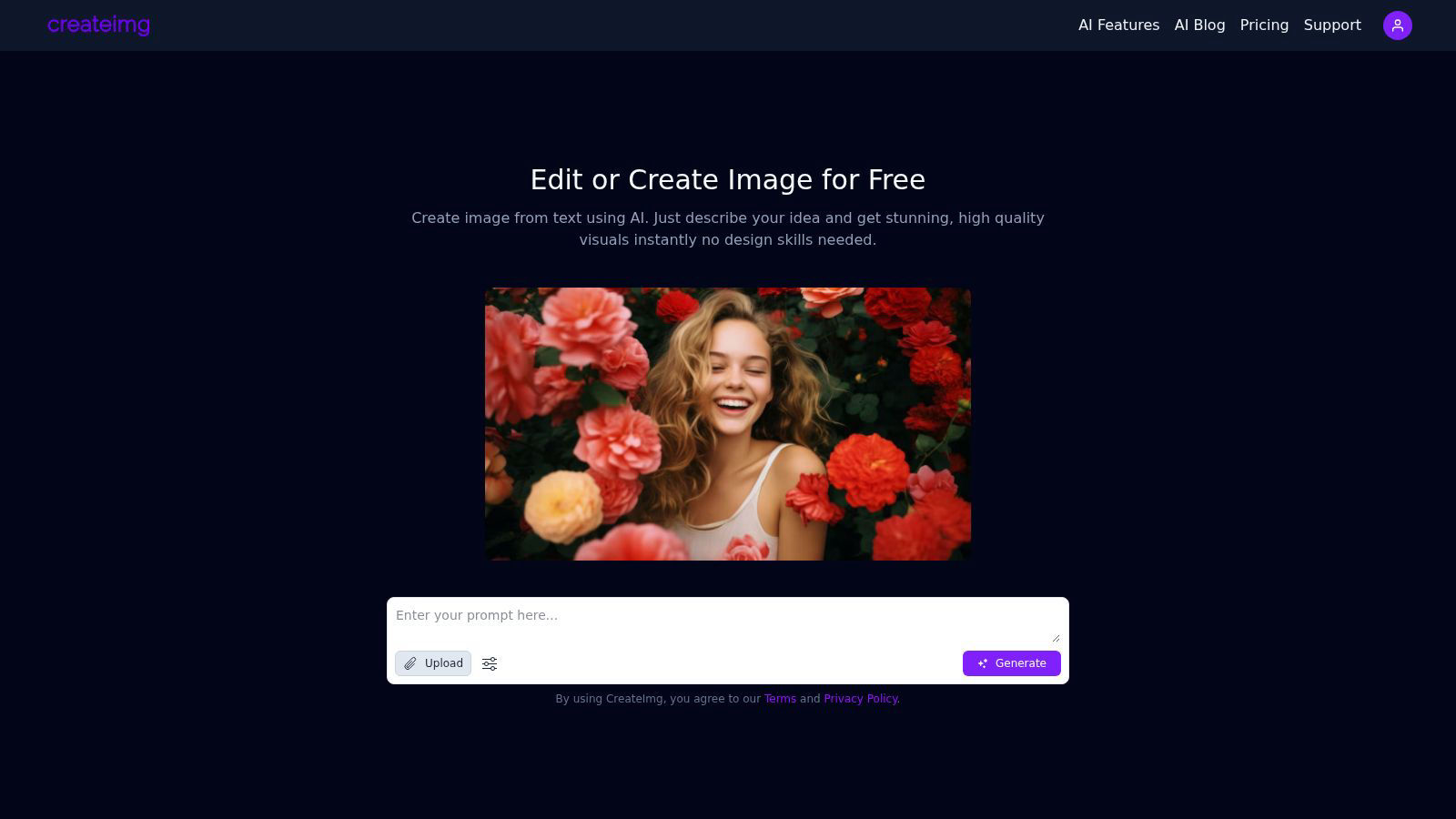
CreateImg instantly transforms your ideas into unique, stunning visuals using AI, no design skills needed.
Last updated: February 28, 2026

PhotoWeather
PhotoWeather alerts photographers to ideal conditions, ensuring you never miss the perfect shot again.
Last updated: February 28, 2026
Visual Comparison
CreateImg
PhotoWeather

Feature Comparison
CreateImg
AI Image Generation
CreateImg allows users to turn their ideas into stunning visuals through simple text prompts. Just describe your concept and watch as the AI generates high-quality, unique images instantly, requiring no design skills.
Automatic Background Removal
Eliminate distractions and enhance your photos effortlessly with the automatic background removal feature. This tool intelligently identifies and removes backgrounds, allowing users to focus on the subject of their images while saving valuable editing time.
Style Selection
Choose from a variety of artistic styles, including realistic, cartoonish, drawing, or creative interpretations. This feature enables users to customize the generated visuals to fit their specific project requirements, ensuring that every image aligns with their vision.
AI Upscaling
Enhance the quality of images with CreateImg’s advanced AI upscaling feature. This state-of-the-art technology improves the resolution of your images, ensuring that every detail is crisp and clear, perfect for high-quality prints or digital displays.
PhotoWeather
Ready-Made Templates
PhotoWeather offers a suite of ready-made templates tailored for photographers, including conditions like fog and mist, golden and blue hour, storm intensity, and aurora visibility. These templates streamline your setup process, allowing you to quickly select the conditions you care about most, so you can focus on capturing stunning images.
Powerful Rule Builder
With over 80 parameters at your disposal, including clouds, visibility, wind, humidity, and astronomical data, the powerful rule builder allows you to create custom alerts with AND/OR/NOT logic. This means you can define conditions such as "Golden hour + 20–60% clouds + wind <7 m/s," ensuring that you are alerted only when the weather aligns perfectly with your artistic vision.
Smart Notifications
Stay ahead of the game with PhotoWeather's smart notification system. Receive daily digests, reminders before opportunities arise, and alerts when forecasts change. With calendar sync, you can effortlessly manage your photography schedule and ensure that you are prepared for every potential photo opportunity.
Trusted Forecast Sources
PhotoWeather sources its forecasts from top-tier meteorological services, including ECMWF, NOAA, and Météo-France, ensuring you receive the most accurate and reliable weather information available. This trust in data gives you the confidence to make informed decisions about when and where to shoot.
Use Cases
CreateImg
Social Media Content Creation
CreateImg is ideal for social media influencers and marketers looking to boost their engagement. Users can generate eye-catching images tailored to their brand’s aesthetic, enhancing posts and stories across platforms like Instagram and Facebook.
Blog and Website Visuals
Bloggers and website owners can utilize CreateImg to create original images for their content, making their articles visually appealing. The tool ensures that each image is unique, helping to attract and retain readers’ attention effectively.
Personalized Gifts and Merchandise
With CreateImg, users can create custom images for personalized gifts or merchandise. Whether for birthday cards, custom prints, or promotional materials, the ability to generate unique visuals makes every item special and one-of-a-kind.
Educational Resources
Teachers and educators can utilize CreateImg to design engaging visuals for presentations, worksheets, or educational materials. The platform's ease of use allows for the quick creation of illustrations that enhance learning experiences for students.
PhotoWeather
Landscape Photography
Landscape photographers can utilize PhotoWeather to set specific alerts for optimal lighting conditions, such as golden hour and fog. By defining their parameters, they can ensure they are notified when the environment aligns perfectly with their artistic vision.
Astro Photography
For astrophotographers, PhotoWeather takes the guesswork out of planning night shoots. By setting alerts for astronomical events, such as moon phases and low cloud cover, photographers can seize every opportunity to capture stunning nightscapes.
Wildlife Photography
Wildlife photographers can benefit from setting conditions based on weather patterns that enhance animal activity. With alerts for favorable conditions, such as clear skies or specific wind directions, they can increase their chances of capturing dynamic wildlife moments.
Event Photography
Event photographers can use PhotoWeather to prepare for outdoor events by setting alerts for changing weather conditions. With the ability to monitor forecasts in real-time, they can make quick decisions about location and timing to ensure they capture the essence of the event without weather interruptions.
Overview
About CreateImg
CreateImg is a revolutionary free AI image editor designed to empower users with the ability to enhance and stylize their photos in an effortlessly intuitive manner. This cutting-edge platform caters to photographers, digital artists, and content creators looking for quick, professional-grade results without the hassle of complex software. With features like automatic background removal, advanced AI upscaling, and the ability to create unique images from textual descriptions, CreateImg streamlines the editing process, making it accessible to users of all skill levels. The platform’s primary value proposition lies in its commitment to providing a comprehensive suite of tools at no cost, ensuring that users can unleash their creativity without the burden of subscriptions or hidden fees. By focusing on usability and efficiency, CreateImg transforms the image editing landscape, making it not only a practical choice but also an enjoyable experience for anyone seeking to elevate their visual content. Whether you aim to create stunning visuals for social media or need professional-quality images for projects, CreateImg is your go-to solution for all things image-related.
About PhotoWeather
PhotoWeather is a revolutionary tool designed specifically for outdoor photographers who seek to optimize their shooting conditions without the hassle of constant weather checks. This cutting-edge application monitors weather forecasts around the clock, delivering smart alerts tailored to your unique photography goals. Whether you are capturing the ethereal beauty of foggy sunrises, the dramatic intensity of storms, or the enchanting glow of golden-hour light, PhotoWeather ensures you never miss a fleeting moment. With its powerful rule-building capabilities, you can set precise conditions for various locations, allowing you to focus on your craft while the app does the heavy lifting. Perfect for landscape, astro, and wildlife photographers, PhotoWeather transforms the way you plan your shoots, providing confidence and clarity in your creative endeavors.
Frequently Asked Questions
CreateImg FAQ
What types of images can I create with CreateImg?
You can create a wide variety of images, including realistic photos, cartoons, drawings, and creative designs. The platform allows you to choose different styles to fit your project needs.
Is CreateImg really free to use?
Yes, CreateImg is a completely free AI image editing tool. There are no hidden fees, subscriptions, or costs associated with using the platform, ensuring that users can unleash their creativity without financial constraints.
How does the AI image generation work?
The AI image generation process works by analyzing the text prompts you provide and using advanced algorithms to create unique visuals that match your description. This means every image is one-of-a-kind and tailored to your specific idea.
Can I download and share the images I create?
Absolutely! Once you generate an image, you can download it instantly and share it across various platforms, including social media, blogs, and websites, making it easy to use your creations wherever you need them.
PhotoWeather FAQ
How do I get started?
To get started with PhotoWeather, simply download the app from the App Store or Google Play, create an account, and begin adding your favorite photography locations. From there, you can set your desired weather conditions and start receiving alerts tailored to your needs.
How accurate are the forecasts?
PhotoWeather aggregates data from trusted meteorological sources like ECMWF, NOAA, and Météo-France, providing highly accurate forecasts. This ensures that you receive reliable information that enhances your photography planning.
Can I create my own rules?
Absolutely! PhotoWeather empowers users to create custom rules based on over 80 weather parameters. This flexibility allows you to tailor alerts to your specific shooting needs, ensuring you never miss another opportunity.
Do you support calendar sync?
Yes, PhotoWeather supports calendar synchronization, allowing you to automatically add photo opportunities to your calendar. This feature ensures that you stay organized and prepared for every potential shoot without missing a beat.
Alternatives
CreateImg Alternatives
CreateImg is a groundbreaking AI image editor that empowers users to transform their ideas into stunning visuals in an instant. As a member of the AI Assistants and Content Creation categories, it caters to photographers, digital artists, and content creators seeking professional-grade results without the steep learning curve of traditional design software. Users often seek alternatives due to factors like pricing, specific features, or platform compatibility that may not align with their unique needs. When exploring alternatives, it's essential to consider the range of features offered, the user interface's intuitiveness, and whether the platform is free of hidden costs or subscriptions. The ideal alternative should not only meet your creative requirements but also provide a seamless and enjoyable editing experience, enabling you to unleash your artistic potential with efficiency and ease.
PhotoWeather Alternatives
PhotoWeather is a cutting-edge application designed for photographers, offering real-time alerts for optimal shooting conditions such as golden hour, fog, and dramatic cloud formations. It streamlines the photography planning process by continually monitoring weather forecasts, ensuring photographers never miss a moment of perfect light. As users seek alternatives, they often consider factors like pricing, feature sets, and compatibility with their preferred platforms, looking for solutions that meet their specific needs and enhance their photography experience. When selecting an alternative, it’s essential to evaluate the flexibility of rules, the comprehensiveness of alerts, and the overall user interface to ensure seamless integration into your workflow.