
JFIF to JPG Converter vs SparkPix
Side-by-side comparison to help you choose the right AI tool.

JFIF to JPG Converter
Transform JFIF images to flawless JPGs in bulk directly in your browser, ensuring quality and privacy with every.
Last updated: February 28, 2026

SparkPix
Transform your photos effortlessly with SparkPix, the AI-powered editor that enhances, restores, and styles images just by typing your commands.
Last updated: March 11, 2026
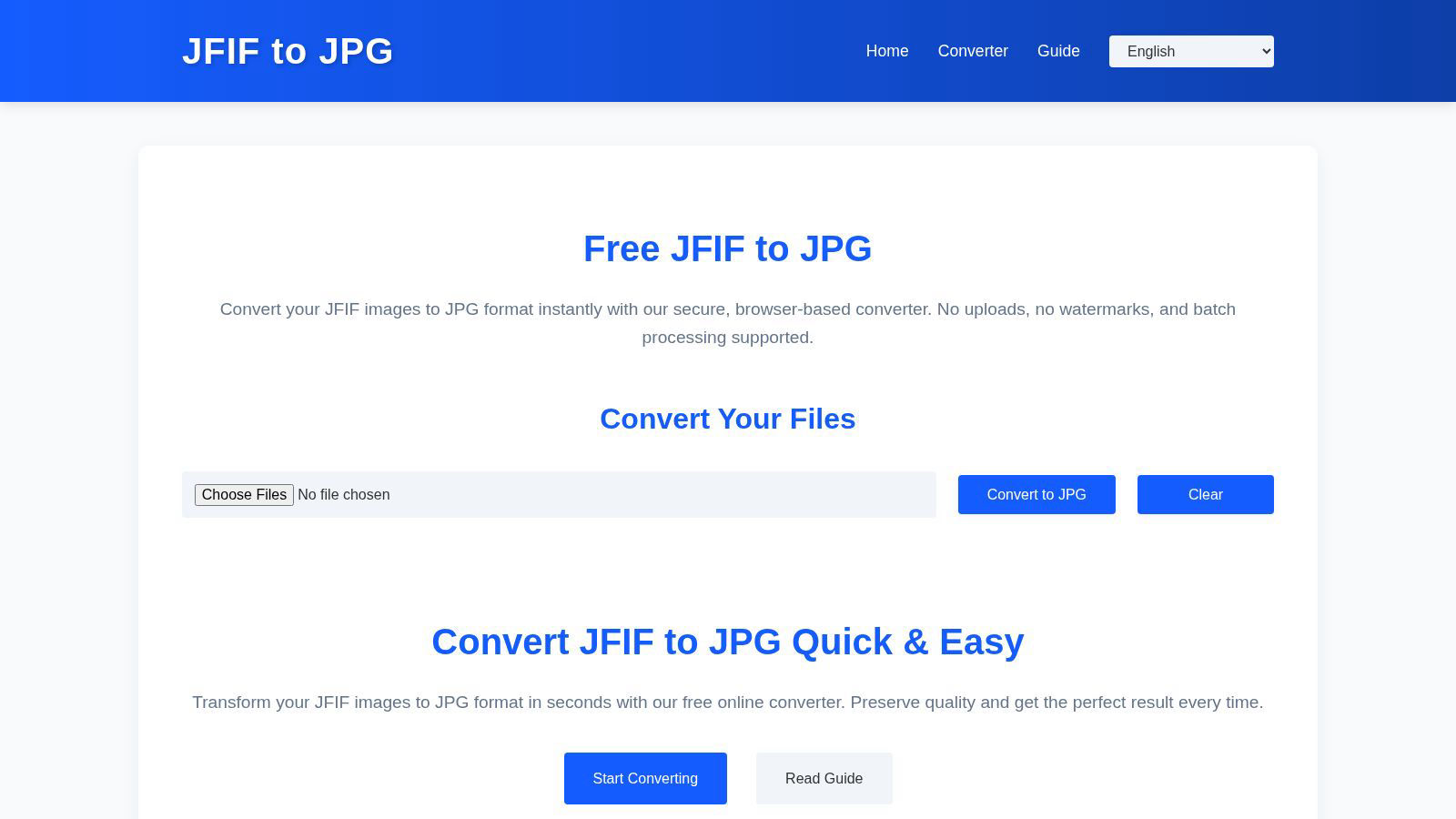
Visual Comparison
JFIF to JPG Converter
SparkPix

Feature Comparison
JFIF to JPG Converter
Local Processing
All image conversions occur directly in your browser, meaning your files never leave your local environment. This feature guarantees maximum privacy and data security, allowing users to convert images without the worry of external exposure.
High-Quality Preservation
The JFIF to JPG Converter ensures that the original image quality remains intact throughout the conversion process. By rewriting the JFIF container as a standard JPG without altering the underlying JPEG data, users experience zero quality loss, providing peace of mind when managing their images.
Batch Conversion Capability
This tool supports batch conversion, allowing users to drag and drop multiple JFIF files simultaneously. This feature enhances productivity, enabling users to convert large numbers of images efficiently and download them individually or as a ZIP archive.
Metadata Retention
Alongside the image quality, the converter preserves all EXIF metadata and ICC color profiles, ensuring that crucial information about the image is retained. This feature is particularly beneficial for photographers and designers who rely on metadata for their work.
SparkPix
AI Photo Editor
The AI Photo Editor allows users to make transformative edits by simply typing in commands. Whether you want to change the background, restore an old photo, or enhance image quality, SparkPix's AI processes these instructions in under 30 seconds, making photo editing accessible and efficient for everyone.
Background Remover
With the one-click Background Remover feature, you can instantly isolate subjects from their backgrounds. This tool is particularly useful for creating professional-looking portraits, product images, or marketing materials, allowing users to focus on what truly matters in their photos without the hassle.
Unblur Image
The Unblur Image feature employs advanced AI algorithms to fix motion blur, out-of-focus shots, and unsightly compression artifacts. With just a few clicks, users can restore clarity and sharpness to their images, ensuring that every detail is crisp and visually appealing.
Photo Restoration
SparkPix excels in photo restoration, enabling users to repair old, faded, scratched, or damaged photographs with ease. This feature is a blessing for anyone looking to preserve family memories or historical images, allowing you to bring life back to cherished moments.
Use Cases
JFIF to JPG Converter
Social Media Sharing
Users frequently face issues when attempting to upload JFIF files to social media platforms that only accept JPG formats. The JFIF to JPG Converter simplifies this process, allowing for seamless sharing without compatibility hurdles.
Graphic Design Projects
Designers often need to work with specific formats. By converting JFIF files to JPG, they ensure that their images are compatible with various graphic software, streamlining the design workflow and enhancing collaboration with clients.
Automated Pipelines
For developers and automation engineers, ensuring that image files conform to specific MIME types is essential. The JFIF to JPG Converter helps maintain consistency across automated processes by converting JFIF files into the more widely accepted JPG format.
Archiving and Backup
When archiving images for long-term storage, it is vital to use standard formats. The JFIF to JPG Converter enables users to convert their JFIF files into JPG, facilitating easier organization, retrieval, and sharing of image assets.
SparkPix
Social Media Marketing
Social media managers can leverage SparkPix to quickly create eye-catching visuals for posts and ads. With features like background removal and style transfer, they can tailor images to fit brand aesthetics and engage audiences effectively.
E-commerce Product Photography
E-commerce businesses can benefit from SparkPix’s ability to enhance product images. The AI-driven tools allow sellers to create high-quality product photos that attract buyers, ultimately boosting sales and improving online presence.
Personal Photo Archiving
For individuals looking to preserve family memories, SparkPix’s photo restoration and enhancement features make it easy to restore old photographs. Users can revive faded images and create beautiful keepsakes without professional help.
Creative Projects
Artists and designers can utilize SparkPix’s style transfer capabilities to transform their photos into unique artworks. By converting images into various artistic styles, users can create stunning visuals for portfolios, presentations, or personal enjoyment.
Overview
About JFIF to JPG Converter
The JFIF to JPG Converter is an innovative online tool that transforms the outdated JFIF image format into the universally accepted JPG format with groundbreaking efficiency. Designed for both individuals and professionals who deal with image files, this converter eliminates compatibility issues across various platforms, graphics software, and social media. By performing all conversions locally within the user's browser, it prioritizes privacy and security, ensuring that no file uploads are required. The core value proposition of the JFIF to JPG Converter lies in its ability to maintain the original image quality and metadata during instantaneous conversions. Users can effortlessly manage their image assets without compromise, making this tool a revolutionary solution for anyone looking to simplify their digital workflow.
About SparkPix
SparkPix is a revolutionary AI-powered photo editing tool that transforms the way you edit images. Designed for everyone from casual users to professional photographers, SparkPix eliminates the need for complex photo editing software like Photoshop. With its intuitive interface, users can simply type in their desired edits, such as "remove background" or "enhance colors," and watch as the AI executes these commands in a matter of seconds. This cutting-edge platform is perfect for those who want to quickly enhance their images without the steep learning curve. By offering a suite of powerful features, SparkPix empowers users to create stunning visuals effortlessly, making it an essential tool for social media managers, e-commerce businesses, and photography enthusiasts alike.
Frequently Asked Questions
JFIF to JPG Converter FAQ
Will converting from JFIF to JPG reduce image quality?
No. The converter only alters the container and metadata of the image. The underlying JPEG compression stream is preserved exactly as it is, ensuring that image quality remains intact.
Is it necessary to upload my JFIF files for conversion?
Absolutely not. The JFIF to JPG Converter operates entirely within your browser, meaning your files are processed locally without any uploads to external servers, thus maintaining your privacy.
Can I convert multiple JFIF files at once?
Yes, the JFIF to JPG Converter supports batch conversion. You can drag and drop multiple files simultaneously, making it easy to convert and download several images in one go.
What happens if I rename a JFIF file to JPG?
Simply renaming a JFIF file to JPG does not guarantee compatibility, as the internal structure remains unchanged. Proper conversion is required to ensure the file conforms to the JPG standard, which the JFIF to JPG Converter provides.
SparkPix FAQ
How does SparkPix work?
SparkPix utilizes advanced AI algorithms to interpret user commands for photo editing. Simply type in what you want to change, and the AI processes the request, applying edits in seconds.
Is SparkPix free to use?
Yes, SparkPix offers a free tier that provides users with 5 credits to start editing. This allows you to explore its features without any upfront cost or credit card requirement.
What types of images can I edit with SparkPix?
You can edit a wide variety of images, including personal photos, product images, and artwork. SparkPix is versatile enough to handle portraits, landscapes, and more, catering to diverse editing needs.
Can I use SparkPix on my mobile device?
Absolutely! SparkPix is a web-based platform that is accessible on desktop, iPhone, and Android devices. You can edit photos on the go without any downloads or installations required.
Alternatives
JFIF to JPG Converter Alternatives
The JFIF to JPG Converter is an innovative online tool that falls under the category of image and photo conversion solutions. Designed to streamline the process of converting outdated JFIF files into the more widely accepted JPG format, this converter caters to both individual users and professionals alike. As the digital landscape evolves, users frequently seek alternatives due to varying needs such as pricing structures, features, and compatibility with specific platforms. When searching for an alternative, it is essential to consider factors such as conversion speed, image quality retention, ease of use, and security measures. Users should prioritize tools that not only deliver high-quality results but also ensure the safety of their data, especially when dealing with sensitive or personal images.
SparkPix Alternatives
SparkPix is an innovative AI-driven photo editor that allows users to edit images simply by typing commands. This cutting-edge tool falls within the image and photo editing category, making it accessible to anyone seeking to enhance their visual content without the need for extensive technical skills. Users often explore alternatives to SparkPix due to varying needs such as pricing plans, unique features, or specific platform compatibility, as different projects may require tailored solutions that meet individual preferences. When searching for an alternative to SparkPix, users should consider several factors. Key elements include the range of editing features offered, the ease of use, the pricing structure, and the availability of the platform across different devices. By evaluating these aspects, users can identify a photo editing solution that aligns with their creative goals and operational requirements.