
JFIF to JPG Converter
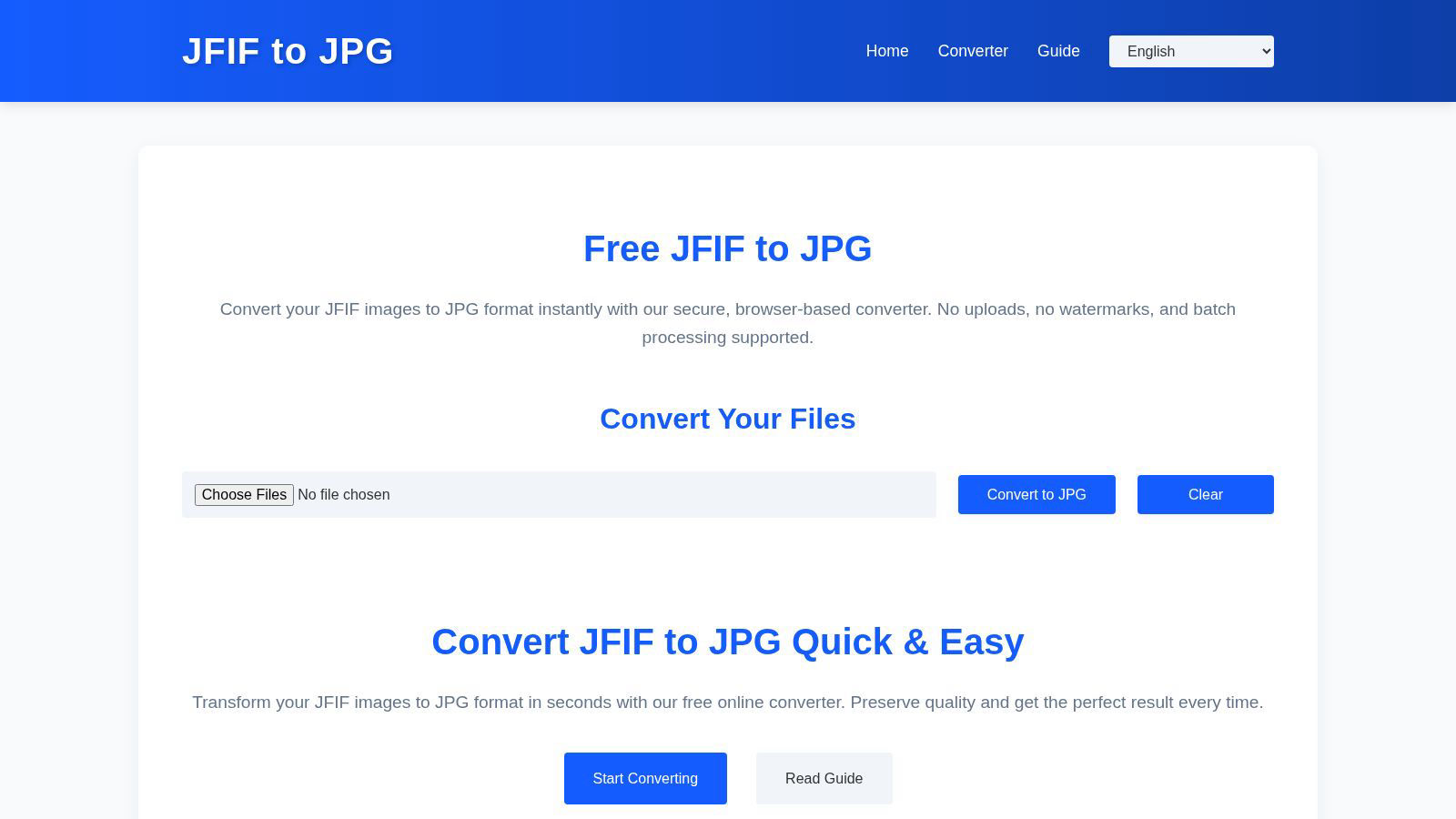
Transform JFIF images to flawless JPGs in bulk directly in your browser, ensuring quality and privacy with every.
About JFIF to JPG Converter
The JFIF to JPG Converter is an innovative online tool that transforms the outdated JFIF image format into the universally accepted JPG format with groundbreaking efficiency. Designed for both individuals and professionals who deal with image files, this converter eliminates compatibility issues across various platforms, graphics software, and social media. By performing all conversions locally within the user's browser, it prioritizes privacy and security, ensuring that no file uploads are required. The core value proposition of the JFIF to JPG Converter lies in its ability to maintain the original image quality and metadata during instantaneous conversions. Users can effortlessly manage their image assets without compromise, making this tool a revolutionary solution for anyone looking to simplify their digital workflow.
Features of JFIF to JPG Converter
Local Processing
All image conversions occur directly in your browser, meaning your files never leave your local environment. This feature guarantees maximum privacy and data security, allowing users to convert images without the worry of external exposure.
High-Quality Preservation
The JFIF to JPG Converter ensures that the original image quality remains intact throughout the conversion process. By rewriting the JFIF container as a standard JPG without altering the underlying JPEG data, users experience zero quality loss, providing peace of mind when managing their images.
Batch Conversion Capability
This tool supports batch conversion, allowing users to drag and drop multiple JFIF files simultaneously. This feature enhances productivity, enabling users to convert large numbers of images efficiently and download them individually or as a ZIP archive.
Metadata Retention
Alongside the image quality, the converter preserves all EXIF metadata and ICC color profiles, ensuring that crucial information about the image is retained. This feature is particularly beneficial for photographers and designers who rely on metadata for their work.
Use Cases of JFIF to JPG Converter
Social Media Sharing
Users frequently face issues when attempting to upload JFIF files to social media platforms that only accept JPG formats. The JFIF to JPG Converter simplifies this process, allowing for seamless sharing without compatibility hurdles.
Graphic Design Projects
Designers often need to work with specific formats. By converting JFIF files to JPG, they ensure that their images are compatible with various graphic software, streamlining the design workflow and enhancing collaboration with clients.
Automated Pipelines
For developers and automation engineers, ensuring that image files conform to specific MIME types is essential. The JFIF to JPG Converter helps maintain consistency across automated processes by converting JFIF files into the more widely accepted JPG format.
Archiving and Backup
When archiving images for long-term storage, it is vital to use standard formats. The JFIF to JPG Converter enables users to convert their JFIF files into JPG, facilitating easier organization, retrieval, and sharing of image assets.
Frequently Asked Questions
Will converting from JFIF to JPG reduce image quality?
No. The converter only alters the container and metadata of the image. The underlying JPEG compression stream is preserved exactly as it is, ensuring that image quality remains intact.
Is it necessary to upload my JFIF files for conversion?
Absolutely not. The JFIF to JPG Converter operates entirely within your browser, meaning your files are processed locally without any uploads to external servers, thus maintaining your privacy.
Can I convert multiple JFIF files at once?
Yes, the JFIF to JPG Converter supports batch conversion. You can drag and drop multiple files simultaneously, making it easy to convert and download several images in one go.
What happens if I rename a JFIF file to JPG?
Simply renaming a JFIF file to JPG does not guarantee compatibility, as the internal structure remains unchanged. Proper conversion is required to ensure the file conforms to the JPG standard, which the JFIF to JPG Converter provides.
Explore more in this category:
Similar to JFIF to JPG Converter

AIPetGen
AIPetGen turns a photo of your dog, cat, or other pet, or a written description, into a new picture or a short animation.

AI Object Remover
Remove unwanted objects, people, text and watermarks from photos with AI


Sprite Sheet Maker
A free browser-based toolkit for creating, cutting, converting, and previewing sprite sheet animations.

Image to Layers AI
Turn images into editable AI-powered layers

Retypewords
An AI-powered image text editor that makes it easy to change words in existing images. Update your content without recreating the entire design.

Hailuo AI
Create high-quality videos from text or images with guided prompts, motion and camera controls, flexible settings, and downloadable results.

Manga Translator
Browser-based AI tool for translating text inside manga images, reviewing the result, and downloading the translated page.