
Alternatives to JFIF to JPG Converter
Explore the best alternatives and competitors to JFIF to JPG Converter.
Explore 20 alternatives to JFIF to JPG Converter. Compare features, pricing, and find the best fit for your needs.

Goshortsai
Goshortsai turns images and prompts into AI videos, with motion control and preset effects for social and creative projects.
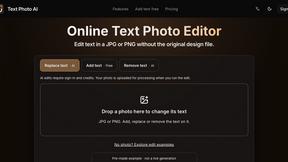
Text Photo AI
Edit words in JPG or PNG photos by adding captions for free or using AI to replace and remove existing text.

MakePiecesOfUs
MakePiecesOfUs creates a private virtual pet room from a photo, pairing a personal album and photo puzzles with optional daily stories and journeys.
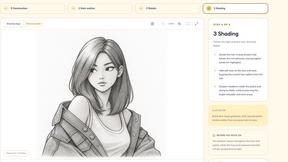
Drawcil
Drawcil turns a reference photo into a four-stage pencil lesson, helping beginners practise drawing on paper and get feedback on finished work.
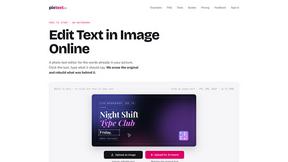
PixText
PixText edits text already embedded in screenshots and graphics, rebuilding the background and matching replacement lettering for quick image updates.
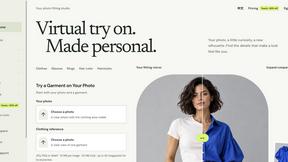
VirtualTryOn
Explore AI previews of clothing, accessories and hairstyles on your photo, with side-by-side comparison to help assess visual changes.

Enhance My Photo
Enhance My Photo enhances portraits, products, and everyday photos online with scene presets and controls for reviewing the result.
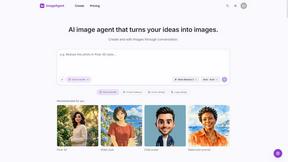
ImageAgent
Create and edit images through conversation, starting from a text prompt or reference image and refining results with chat.

AppIconGenerator
Generate multi-platform icon files from existing artwork, with local export and optional credit-based AI logo creation.
FreeCreate
FreeCreate offers AI video generation, image animation and motion presets, with free credits for trying its creative workflows.
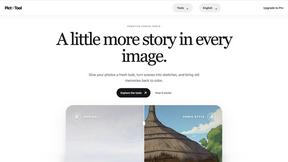
PictTool
PictTool applies AI transformations to uploaded photos, including cartoon, comic, anime, watercolor, sketch and colorizer styles.
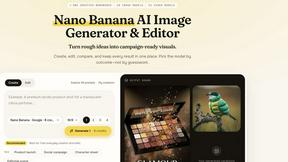
Nano AI
Create and edit images with 20 AI models, choosing by model guidance and visible credit cost, with 23 video models also available.
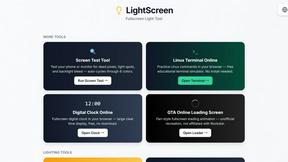
LightScreen
LightScreen turns a phone or monitor into a fullscreen color light, with adjustable brightness, ambient scenes, photo fill, and display checks.
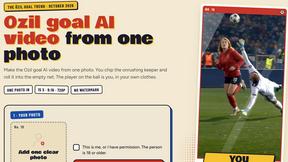
Ozil AI
Ozil AI turns one clear photo into a 15-second vertical video placing you in Mesut Ozil's famous 2016 goal, with no watermark.

FreeVideoGenerator
Make short AI video clips from text prompts or photos, with model comparisons and a starter credit allowance for new users.
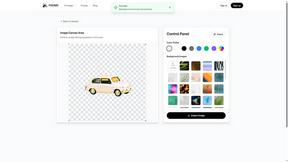
PXDMD
PXDMD offers browser-based AI image editing for creators who need quick cutouts, object cleanup, background changes, or photo tints.
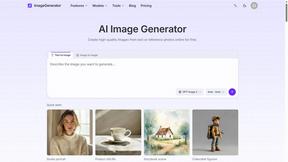
ImageGenerator
An online image generator for prompt-based and reference-led creation, with model choices and editing tools for creative workflows.
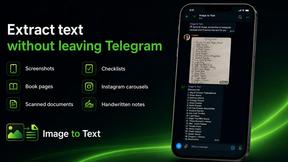
ImgTxtApp
ImgTxtApp is a Telegram OCR bot that extracts editable text from images, documents, and Instagram carousels in over 100 languages.
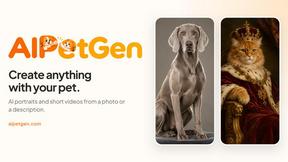
AIPetGen
AIPetGen creates custom pet images and short videos from a photo or prompt, with controls for style, scene, motion, duration, and resolution.

AI Object Remover
Prepare travel, product, and social photos by brushing away unwanted elements and reviewing the AI repair before saving.
About JFIF to JPG Converter Alternatives
For an occasional image, a desktop image editor or a trusted file conversion utility may fit better, especially when you need to inspect or edit the image as well. Compare whether an alternative changes the image pixels, keeps metadata, handles batches, and processes files locally. Simply renaming a JFIF extension may not rewrite the file's internal container.
FAQs about JFIF to JPG Converter Alternatives
Can I just rename a JFIF file to JPG?
Renaming changes the extension but may leave the internal container unchanged. Use a converter that rewrites the container when compatibility matters.
What should I compare with another converter?
Check whether it recompresses the image, preserves metadata, supports batches, and uploads files to a server.