
Alternatives to RecordFlow
Explore the best alternatives and competitors to RecordFlow.
Explore 20 alternatives to RecordFlow. Compare features, pricing, and find the best fit for your needs.
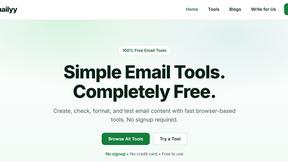
Emailyy
Free email tools for signatures, subject lines, HTML previews, word counts, and email headers. Browser-based, simple to use, and no signup required.

Uniclip
Clip pages, take full-page screenshots and batch-capture list data to Notion, Feishu, Obsidian, Markdown, CSV or JSON.
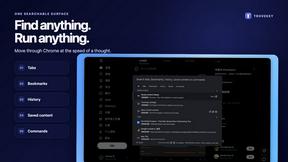
TroveKey
Search tabs, Chrome bookmarks and history, run browser commands, and save webpages and social posts locally—no account.
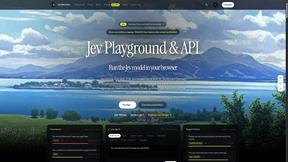
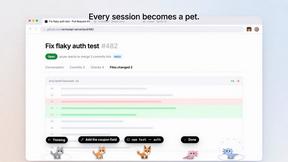
Agent Pets
Your Claude Code & Codex sessions as pets in Chrome. Approve, deny and reply to your coding agents from any tab.
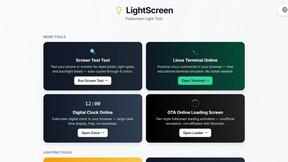
LightScreen
Free light screen tool online. Turn any display into a flashlight, ambient light, or solid-color screen. No download or sign-up.
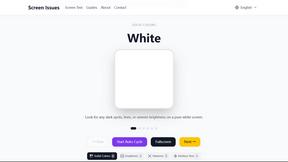
Screen Issues
Free Online Screen Test Tool - Instantly diagnose dead pixels, lines, color issues, and flickering. Multiple test modes, no download needed.
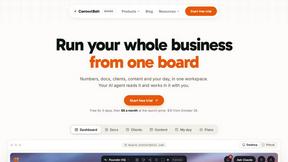
Context Board
Context Board brings your numbers, docs, clients, content and day into one workspace that Claude and Codex can read and update.

@fuck.it - email with attitude
Private email. Pure. Secure. Exclusive. No ads, no tracking, no data selling. GDPR compliant, EU-hosted.
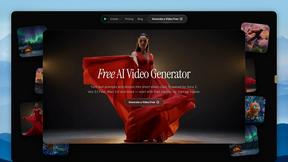
FreeVideoGenerator
Free AI video generator: turn text prompts and photos into video clips with Sora 2, Veo 3.1, Wan and more. Free starter credits, no watermark download
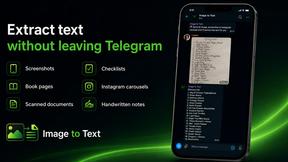
imgtxtapp.laviolab.com
imgtxtapp.laviolab.com is a Telegram-based image-to-text converter that turns photos, screenshots, scanned documents into editable text
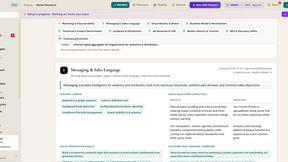
ROIpad Positioning Intelligence
ROIpad equips SaaS teams with real-time positioning intelligence. Uncover high-converting messaging gaps and outmaneuver rivals with live data.

Panzoe
Panzoe is an all-in-one AI platform for personal productivity, business automation, AI assistants, content creation, and custom AI solutions.

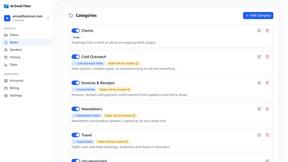
AI Email Filter
AI Email Filter sorts incoming mail into folders using plain-language prompts you write. Works with any IMAP mailbox; bring your own LLM if you want.

Leads Reddit
LeadsReddit helps founders, marketers, and sales teams find people on Reddit who are actively looking for what they sell. Instead of scrolling through

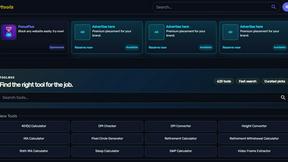
Kody Tools
Free collection of online developer utilities, code formatters, and digital converters designed to streamline your daily workflow.
About RecordFlow Alternatives
RecordFlow is a revolutionary automation tool in the Productivity & Management category, designed to be the neural bridge between Zoom’s cloud ecosystem and Google Drive. It operates as a zero-touch, self-executing pipeline that captures every cloud recording the instant a meeting concludes, then backfills the last two years of history without any manual intervention. In an era where digital exhaust is a liability, this tool eliminates the friction of file management, turning a chaotic stream of video, audio, transcripts, and chat logs into a pristine, organized archive. Users often seek alternatives when their workflow demands a different storage destination, such as Dropbox or OneDrive, or when they require more granular control over deletion timelines and team-based permissions. Others may find the pricing model doesn’t align with their volume of recordings, or they need a solution that integrates with enterprise identity providers beyond OAuth 2.0. When evaluating alternatives, the critical criteria are the speed of transfer, the reliability of deduplication and retry logic, the security of the data path (end-to-end encryption), and whether the system can handle massive file transfers without choking. The ideal alternative should feel like a sentient assistant, not a manual chore.
FAQs about RecordFlow Alternatives
What is RecordFlow?
RecordFlow is a futuristic automation tool that instantly backs up every Zoom cloud recording to your Google Drive the moment a meeting ends, including a backfill of the past two years of recordings. It transfers video (MP4), audio (M4A), transcripts (VTT and a formatted Google Doc), and chat logs, all organized by year and date. Setup takes just 60 seconds—sign in with Zoom, connect your Drive, and pick a folder—after which the system runs autonomously forever.
Who is RecordFlow for?
RecordFlow is engineered for coaches, consultants, therapists, professors, and small teams who cannot afford to lose a single recording. It is ideal for professionals who rely on Zoom for client sessions, lectures, or meetings and need a failsafe, hands-off backup solution. The tool eliminates the risk of forgotten files and unnecessary Zoom storage costs, making it perfect for high-volume users who value reliability and simplicity.
Is RecordFlow free?
RecordFlow is not free; it is a premium productivity tool designed to save you time and storage costs. While the exact pricing is not detailed in the provided content, the value lies in its automation—eliminating manual downloads, preventing data loss, and freeing Zoom storage via optional auto-delete. The 60-second setup and zero ongoing maintenance justify its cost for professionals who cannot afford downtime or lost recordings.
What are the main features of RecordFlow?
RecordFlow’s core features include automatic, near-instant backup of Zoom cloud recordings to Google Drive, with a backfill of the past two years. It supports chunked transfers that never choke on large files, smart deduplication for safe re-runs, and automatic retries on failure. Optional auto-delete clears recordings from Zoom on a safe delay once the Drive copy is verified, freeing storage, and all transfers stream directly to Drive without intermediate storage, secured by OAuth 2.0 and AES-256 encryption.