
AI Image Maker vs Dokie AI
Side-by-side comparison to help you choose the right AI tool.

AI Image Maker
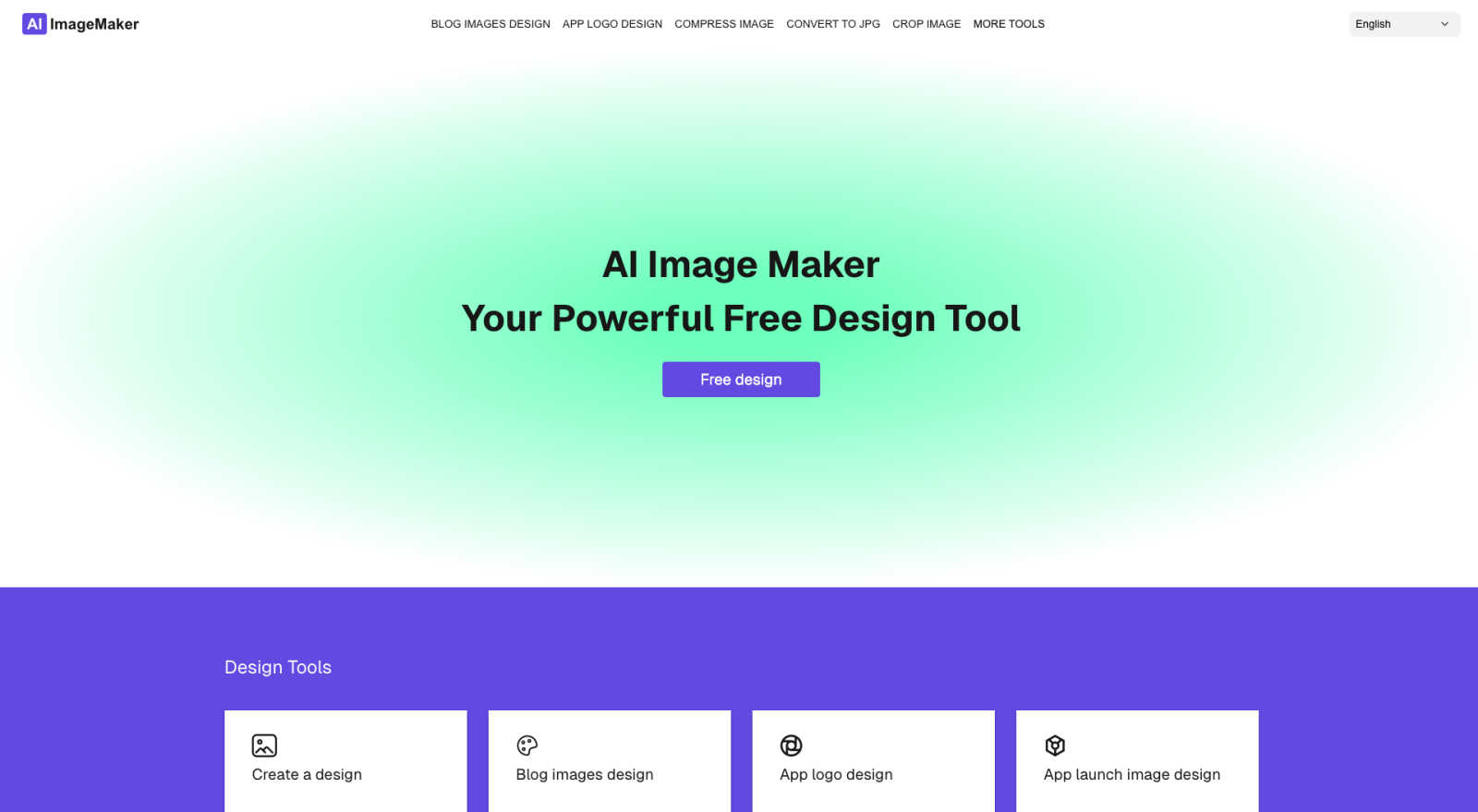
AI Image Maker empowers you to effortlessly create stunning visuals with 20+ integrated tools for all your design needs.
Last updated: February 28, 2026

Dokie AI
Dokie AI revolutionizes presentation creation, enabling users to design stunning PPT slides in minutes with advanced AI technology.
Last updated: March 19, 2026
Visual Comparison
AI Image Maker
Dokie AI

Feature Comparison
AI Image Maker
Design Canvas
The built-in design canvas provides a versatile space for users to create anything from blog covers to app icons seamlessly. It is equipped with tools that allow for easy manipulation of elements, ensuring that creativity knows no bounds.
Image Compression
AI Image Maker includes a powerful image compression feature that reduces file sizes without sacrificing quality. This ensures that your visuals are optimized for web performance and faster load times, enhancing user experience.
Background Removal
With just a single click, the AI-driven background removal tool allows users to eliminate backgrounds from images effortlessly. This feature is particularly useful for creating professional-looking graphics and marketing materials in seconds.
Batch Processing
Maximize your productivity with the batch processing feature, which lets users manipulate multiple images simultaneously. Whether resizing, cropping, or applying filters, this tool saves time and enhances efficiency for busy creators.
Dokie AI
AI Generate PPT
With the AI Generate PPT feature, users can simply describe their topic in plain text, and Dokie AI will create a complete slide deck tailored to their needs. This feature includes professional layouts, engaging charts, and compelling content, making it ideal for users who want to express their ideas without the hassle of design intricacies.
AI Beautify PPT
The AI Beautify PPT functionality allows users to upload existing presentations for instant enhancement. Dokie AI analyzes the slides and applies professional styling, fixes layouts, and enhances overall design while preserving the original content, transforming ordinary presentations into visually stunning works of art.
Speech Notes Generation
Dokie AI provides an automatic speaker notes generation feature that creates detailed talking points for each slide. This functionality ensures users can deliver their presentations with confidence, as it equips them with comprehensive notes that enhance clarity and engagement during delivery.
Multi-format Conversions
Dokie AI supports various document-to-PPT conversions, including PDF to PPT, Word to PPT, and even YouTube to PPT. This versatility enables users to easily transform content from multiple formats into professional presentations, streamlining their workflow and enhancing productivity.
Use Cases
AI Image Maker
Content Creation for Blogs
Bloggers and content creators can utilize AI Image Maker to design stunning blog covers and captivating visuals. With its intuitive templates and editing tools, users can easily craft images that enhance their written content and attract more readers.
Marketing Campaigns
Marketers can leverage AI Image Maker to create compelling graphics for social media campaigns, advertisements, and promotional materials. The platform's diverse tools and features allow for rapid production of eye-catching visuals that drive engagement.
App Development
Indie developers can use AI Image Maker to design app icons and app store screenshots. The built-in design canvas and template library simplify the process, making it easier for developers to showcase their apps effectively.
Social Media Management
Social media managers can take advantage of AI Image Maker for crafting engaging posts and stories. The ability to batch process images and format them specifically for various platforms ensures that content remains fresh and visually appealing.
Dokie AI
Business Presentations
Dokie AI is perfect for business professionals who need to create high-quality presentations quickly. It helps streamline the presentation-making process, allowing users to focus on their message and strategy instead of getting bogged down by design details.
Educational Lectures
Educators can leverage Dokie AI to develop engaging lecture slides that captivate students' attention. By utilizing the AI generation and beautification features, teachers can ensure their content is visually appealing, fostering better understanding and retention among learners.
Marketing Campaigns
Marketers can benefit from Dokie AI by creating compelling presentations that effectively communicate campaign strategies and results. The tool's ability to generate stunning visuals and concise content helps marketers pitch their ideas more effectively to stakeholders.
Startup Pitches
Startup founders can utilize Dokie AI to craft persuasive pitch decks that attract investors. By generating presentations that highlight key business metrics and unique value propositions, founders can present their ideas with clarity and confidence, increasing their chances of securing funding.
Overview
About AI Image Maker
AI Image Maker is a groundbreaking, browser-based design platform that revolutionizes the way individuals and businesses approach creativity. By offering a rich array of image editing and design tools without any cost or the requirement for account creation, it democratizes access to professional-grade design resources. Catering primarily to content creators, indie developers, marketers, and small business owners, AI Image Maker equips users with a comprehensive suite of utilities to effortlessly craft stunning visuals. Whether you need to design eye-catching posters, captivating blog covers, or compelling app store images, AI Image Maker makes the process intuitive and user-friendly. With features that include image compression, resizing, cropping, and format conversion, the platform streamlines your design workflow. The AI-driven background remover ensures that even novice users can achieve expert-level results in seconds. With its seamless interface and minimal learning curve, AI Image Maker empowers everyone to unleash their creative potential without the burden of hidden fees or complicated setups.
About Dokie AI
Dokie AI is a groundbreaking AI presentation maker designed to revolutionize the way business professionals, educators, marketers, and startup founders craft their presentations. Utilizing the powerful Claude Opus 4.6 AI engine, Dokie AI automates the process of creating polished and visually stunning presentations without the need for design skills. This innovative tool transcends traditional template-based solutions by dynamically generating content structure, layout selection, typography, and visual design, allowing users to focus on their message rather than the mechanics of presentation design. With multiple modes such as Generate, Beautify, Speech, and document-to-PPT conversions, Dokie AI serves as an all-in-one platform that enhances productivity and creativity, enabling users to deliver impactful presentations in mere minutes. Experience the future of presentation-making with Dokie AI, where elegance meets efficiency.
Frequently Asked Questions
AI Image Maker FAQ
Can I use this commercially?
Yes, AI Image Maker allows for both personal and commercial use without any recurring fees. Users can freely utilize the created images for their business needs.
Do I need design skills?
No prior design skills are necessary to use AI Image Maker. Its user-friendly interface and intuitive tools make it accessible for anyone, regardless of their design experience.
Can I customize the template?
Absolutely! Users can customize the templates provided by AI Image Maker to fit their unique branding or project requirements, ensuring flexibility in design.
What image tools are included?
AI Image Maker includes over 20 image tools, such as image compression, background removal, format conversion, and more, offering a comprehensive suite for all your design needs.
Dokie AI FAQ
How does Dokie AI work?
Dokie AI uses advanced artificial intelligence powered by Claude Opus 4.6 to automatically generate, enhance, and refine presentations based on user input. This allows users to create polished slides without any design skills.
Can I upload my existing presentations?
Yes, Dokie AI allows users to upload existing presentations, which it can then beautify by enhancing design elements, fixing layouts, and applying professional styling while retaining the original content.
What types of documents can I convert to PPT?
Dokie AI supports multiple document formats for conversion, including PDF, Word, HTML, and even YouTube videos, allowing for seamless integration of various content sources into professional presentations.
Is there a free trial available for Dokie AI?
While Dokie AI offers a pay-as-you-go pricing model, potential users can explore its capabilities through various plans that cater to different needs, ensuring they can find the right option for their presentation requirements.
Alternatives
AI Image Maker Alternatives
AI Image Maker is a groundbreaking, browser-based design tool that empowers users to create stunning visuals effortlessly. As part of the design tools category, it caters to a diverse audience, from content creators and indie developers to marketers and small business owners. Users often seek alternatives to AI Image Maker for various reasons, including the need for different features, pricing structures, or specific platform requirements. When choosing an alternative, it is crucial to consider factors such as usability, range of design functionalities, and any additional costs that may be involved. --- [{"question": "What is AI Image Maker?", "answer": "AI Image Maker is a free, browser-based design platform that allows users to create a variety of stunning visuals effortlessly."}, {"question": "Who is AI Image Maker for?", "answer": "AI Image Maker is designed for content creators, indie developers, marketers, and small business owners looking to enhance their visual content."}, {"question": "Is AI Image Maker free?", "answer": "Yes, AI Image Maker is completely free to use and does not require account creation."}, {"question": "What are the main features of AI Image Maker?", "answer": "AI Image Maker offers powerful image editing tools, intuitive templates, and features like image compression, resizing, cropping, and an AI-driven background remover."}]
Dokie AI Alternatives
Dokie AI is a revolutionary AI presentation maker that empowers users to create professional-quality slides in mere minutes. Positioned within the design tools category, it harnesses the cutting-edge capabilities of Claude Opus 4.6 to offer a seamless experience for business professionals, educators, marketers, and startup founders alike. The intuitive nature of Dokie AI eliminates the necessity for design expertise, allowing anyone to craft polished presentations effortlessly. As users explore the digital landscape for alternatives to Dokie AI, they often consider factors such as pricing, unique features, and specific platform requirements. Some may seek tools that cater to particular needs or offer distinct functionalities that fit their workflows better. When selecting an alternative, it’s essential to look for aspects like ease of use, variety in design capabilities, and compatibility with existing tools to ensure a smooth and efficient presentation creation process.