
Alternatives to QUVIAI
Explore the best alternatives and competitors to QUVIAI.
Explore 20 alternatives to QUVIAI. Compare features, pricing, and find the best fit for your needs.
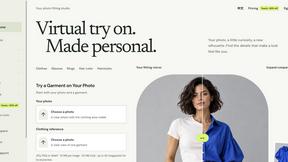
VirtualTryOn
Try on clothes, glasses, rings, hairstyles, and hair colors on your own photos with AI.
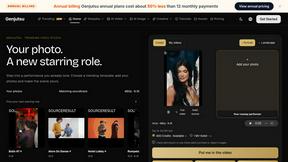
Genjutsu
Explore runway, dance, music and object video templates. Compare source and remix examples, upload your reference photos and create a new version.

Face Swap Video
Create a face swap video from your photos. Explore trending dance, runway and music video templates, choose a format, and make yourself the star.


Enhance My Photo
Online AI photo enhancer that sharpens portraits, products, scenery, pets and text images and exports them as JPEG, PNG or WebP without watermarks.
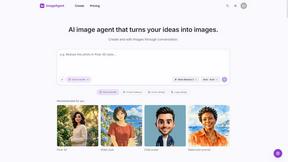
ImageAgent
Create and edit AI images through conversation, using text or reference images and refining results in chat.
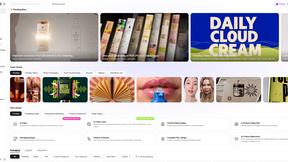
Rhinobird
AI video ads, UGC-style videos, and product visuals for cross-border sellers and e-commerce brands.
GenX
All-in-one AI workspace to generate images, videos, and audio with multiple leading AI models.
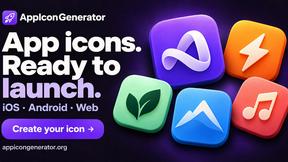
AppIconGenerator
Generate iOS and Android app icons from any image and export all platform sizes for free.
FreeCreate
Create AI images from text or reference photos and turn prompts or still images into short videos with FreeCreate. Start free—no account needed.
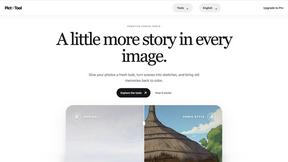

Design.com AI Image Generator
Turn text prompts into polished, copyright-safe visuals that plug directly into branded templates
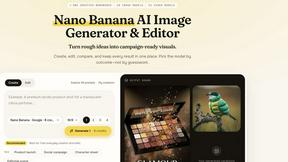
Nano AI
Create and edit AI images, generate videos, and compare models in one creative workbench.

Ozil AI Goal Video
Make the viral Ozil goal AI video from one photo. You chip the keeper and roll the ball into the net. 15 seconds, 9:16, 720p, no watermark.
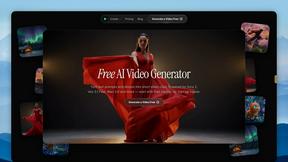
FreeVideoGenerator
Free AI video generator: turn text prompts and photos into video clips with Sora 2, Veo 3.1, Wan and more. Free starter credits, no watermark download
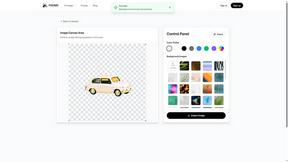
PXDMD
AI image editor in the browser: remove backgrounds, erase objects and watermarks, change backgrounds and grade colors in seconds.
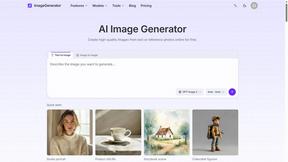
ImageGenerator
Create and edit AI images online with multiple models, text-to-image, image-to-image, background removal, and upscaling.

About QUVIAI Alternatives
QUVIAI is a groundbreaking AI-driven creative platform that caters specifically to architects, designers, and creators. It allows users to seamlessly transform their sketches, images, or 3D models into high-quality photorealistic renders, cinematic videos, and original music. By integrating multiple creative processes into a single platform, QUVIAI revolutionizes the way creative professionals work, providing tools that streamline the modeling, rendering, and iterative design processes within a built-in 3D workspace. Users often seek alternatives to QUVIAI for various reasons, including pricing, specific feature sets, or platform compatibility with their existing workflows. When evaluating potential alternatives, it's essential to consider factors such as the range of creative outputs offered, ease of use, integration capabilities with other tools, and overall value for money. Additionally, the community and support available for users can greatly influence the choice of platform, as these factors contribute to a more enriching creative experience.
FAQs about QUVIAI Alternatives
What is QUVIAI?
QUVIAI is an all-in-one AI-powered creative platform designed to assist architects, designers, and various creators in generating photorealistic renders, cinematic videos, and original music from user inputs. By allowing users to upload sketches, images, or 3D models, QUVIAI transforms these inputs into high-quality visual and audio outputs, making the creative process more efficient.
Who is QUVIAI for?
QUVIAI is tailored for architects, designers, and creators who need a robust platform for generating high-quality visual and audio content. Its features are designed to cater to professionals looking to streamline their workflow, allowing them to create stunning renders and compositions without the hassle of switching between different tools.
Is QUVIAI free?
QUVIAI offers a free trial that allows users to explore its features and capabilities without any initial investment. This enables potential users to test the platform and determine if it meets their creative needs before committing to a subscription or payment.
What are the main features of QUVIAI?
The main features of QUVIAI include the ability to upload various inputs such as sketches and 3D models, and transform them into photorealistic renders and cinematic videos. The platform also includes a built-in 3D workspace for modeling and rendering, text prompt scene editing, and the generation of original music, all aimed at enhancing the creative process.