
Alternatives to Pictela
Explore the best alternatives and competitors to Pictela.
Explore 13 alternatives to Pictela. Compare features, pricing, and find the best fit for your needs.

Enhance My Photo
Enhance My Photo enhances portraits, products, and everyday photos online with scene presets and controls for reviewing the result.
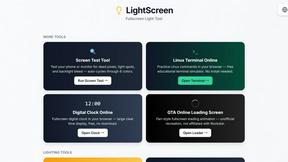
LightScreen
LightScreen turns a phone or monitor into a fullscreen color light, with adjustable brightness, ambient scenes, photo fill, and display checks.
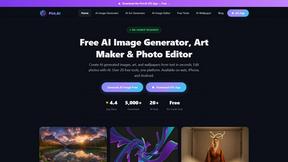
Pict.AI
Pict.AI offers free online AI image tools, mobile photo editing, and practical guidance for choosing image models and video generators.
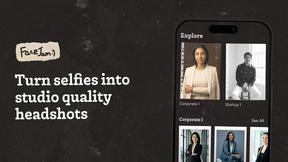
FaceJam
FaceJam makes studio-style professional headshots from selfies, with a choice of templates for LinkedIn, resumes, and business profiles.
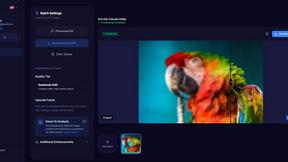
MyImageUpscaler
MyImageUpscaler is an online AI image enhancer for photographers and creative teams, with support for batch processing on paid plans.

PhotoWeather
PhotoWeather turns weather and astronomy forecasts into timed alerts for photographers seeking specific outdoor shooting conditions.
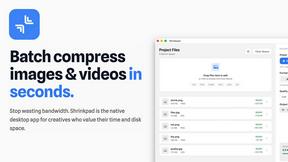
Shrinkpad
Shrinkpad helps photographers compress batches of RAW, HEIC, and other image files locally on a Mac, with video support on paid plans.

AI Photo Online
Edit photos in your browser with AI background removal, object erasing and image upscaling, without creating an account or adding a watermark.
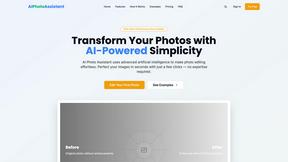
AI Photo Assistant
AI Photo Assistant uses one-click AI editing to enhance portraits and other photos for people who want polished results without editing experience.

Looktara
Looktara generates portraits from a trained personal AI model, helping professionals create headshots styled for different platforms.
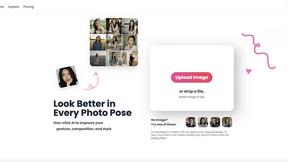
PoseUp
PoseUp is a browser-based AI photo editor for exploring pose references and changing or refining a person’s pose in a photo.
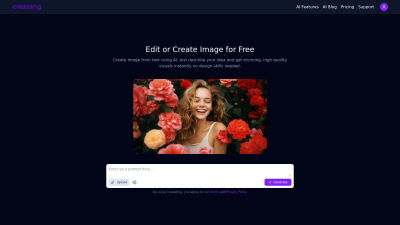
Createimg
Createimg turns text prompts or uploaded photos into AI images, with style, aspect ratio and resolution options and no account required.
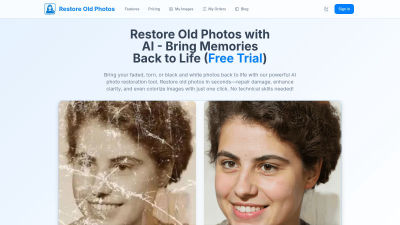
Restore Old Photos
Restore Old Photos uses AI to improve faded, blurry, and aging pictures, with a general workflow for families and archives.
About Pictela Alternatives
Choose the image editor when you have a picture to transform and want to direct changes with a prompt. If you are starting from an idea rather than a reference image, compare it with Pictela’s separate FLUX.2 Klein text-to-image generator. For either workflow, consider how much control you need over details and review the model’s credit cost before generating.
FAQs about Pictela Alternatives
Should I use image editing or text-to-image?
Use image editing when you have a reference image to change; use text-to-image when you want to begin from a written description.
What should I inspect in a generated edit?
Check important subject details, labels, edges, faces, and other areas where accuracy matters.